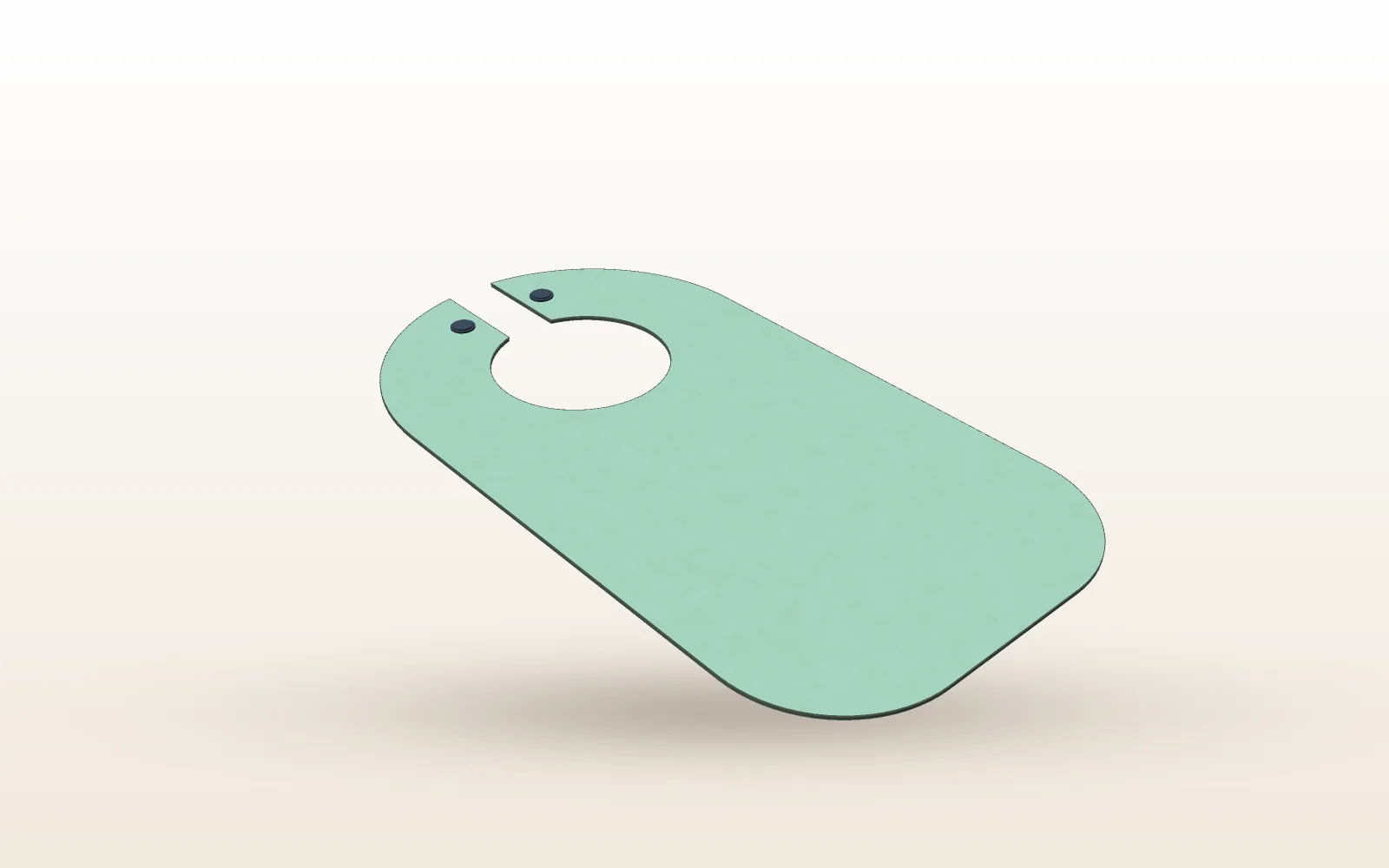
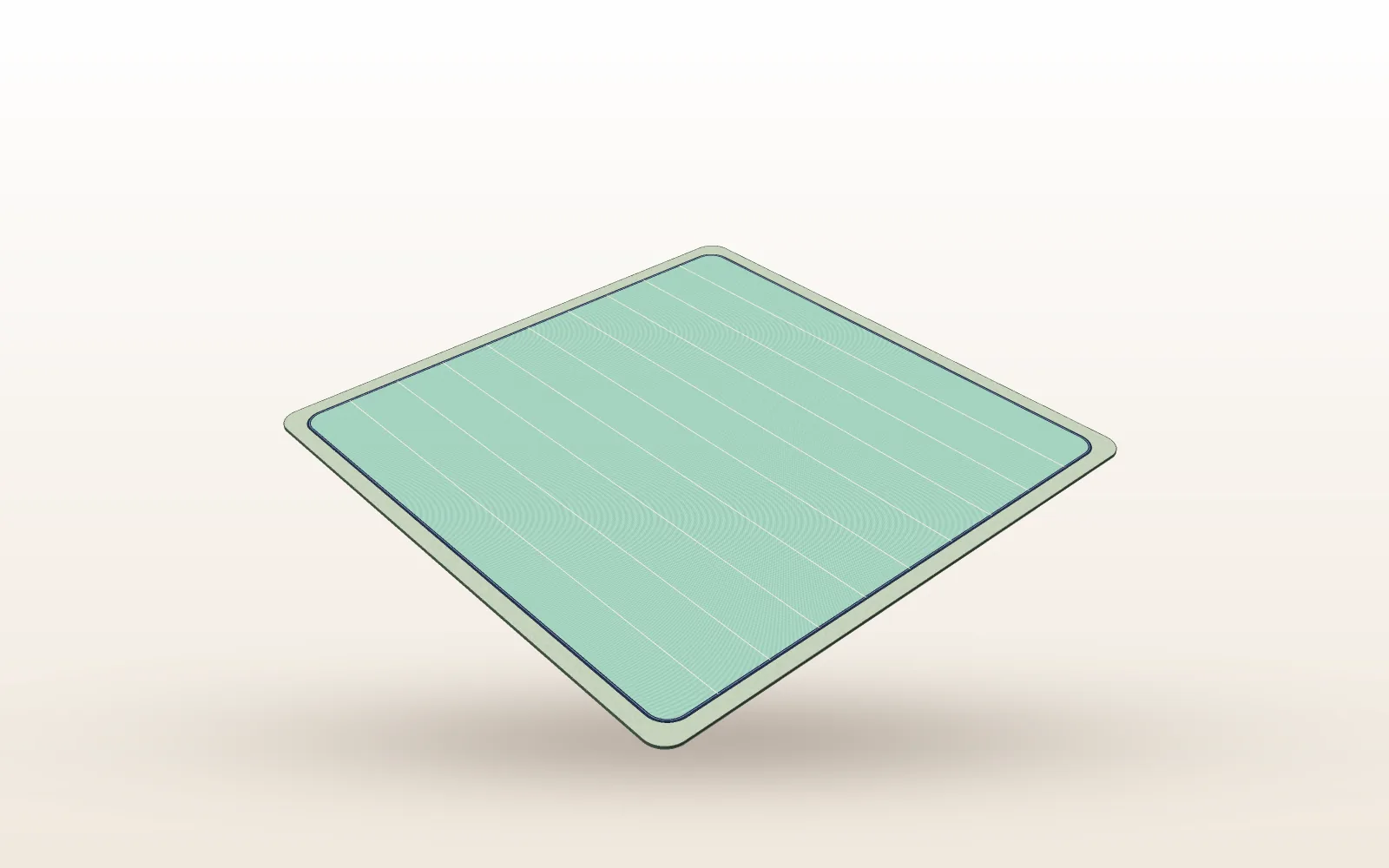
See SeamBench in action
Real views from the software.
Getting started
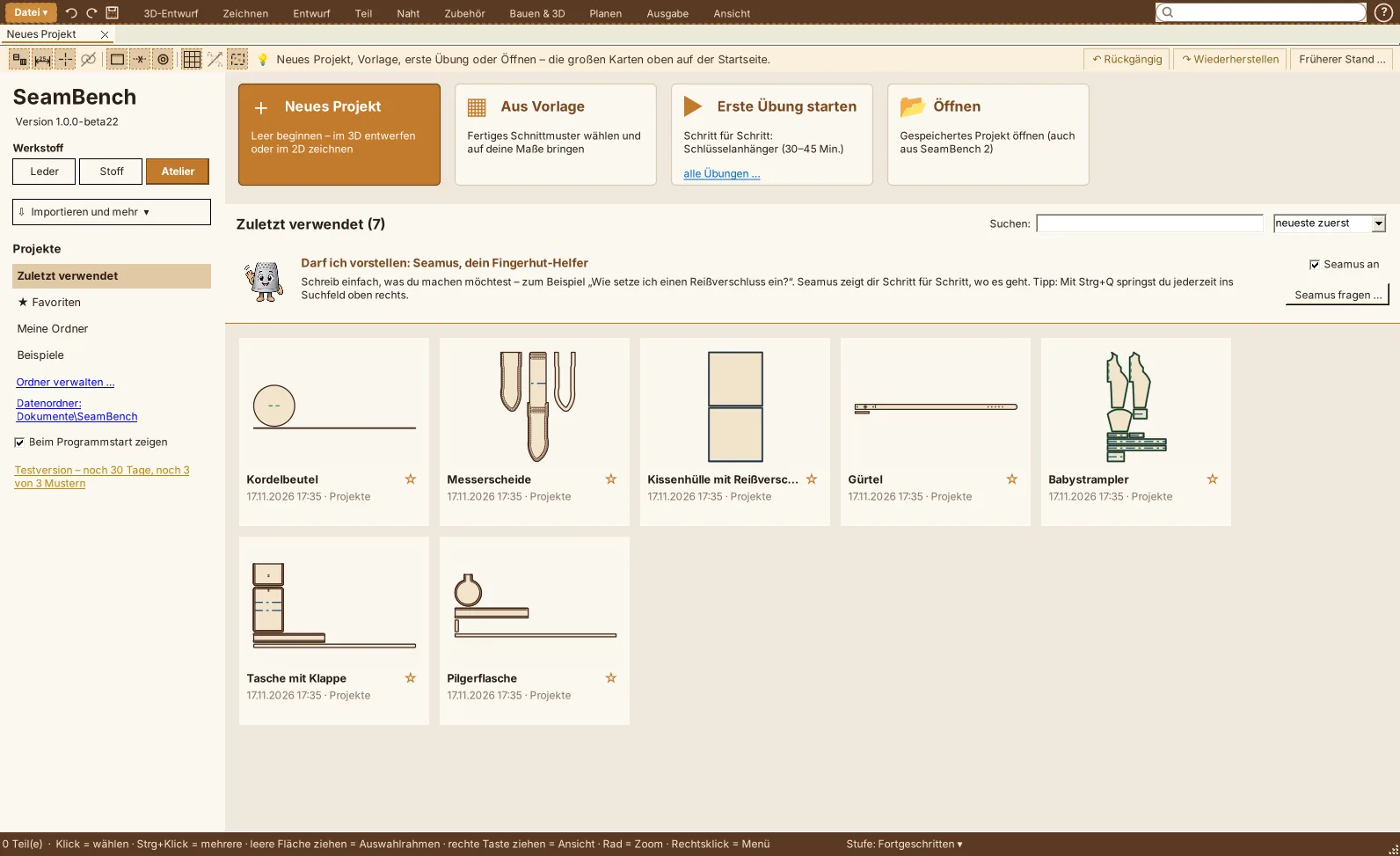
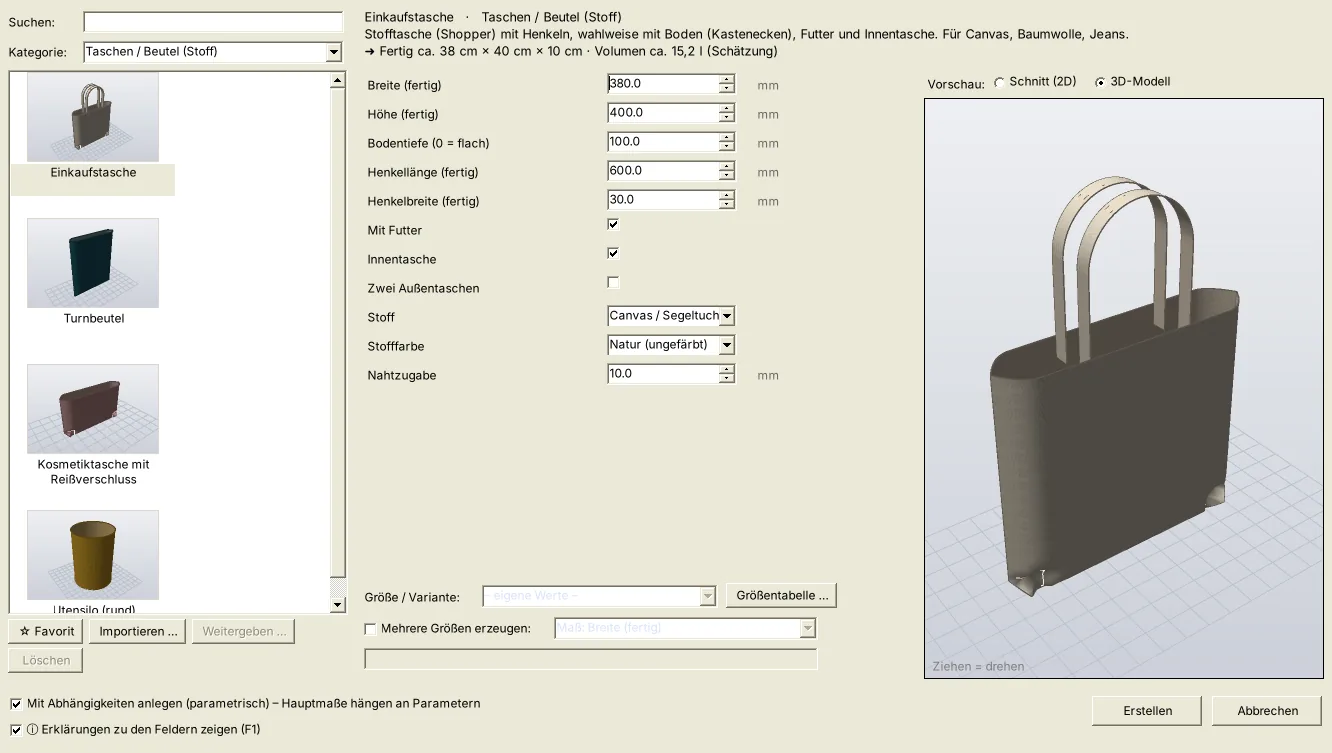
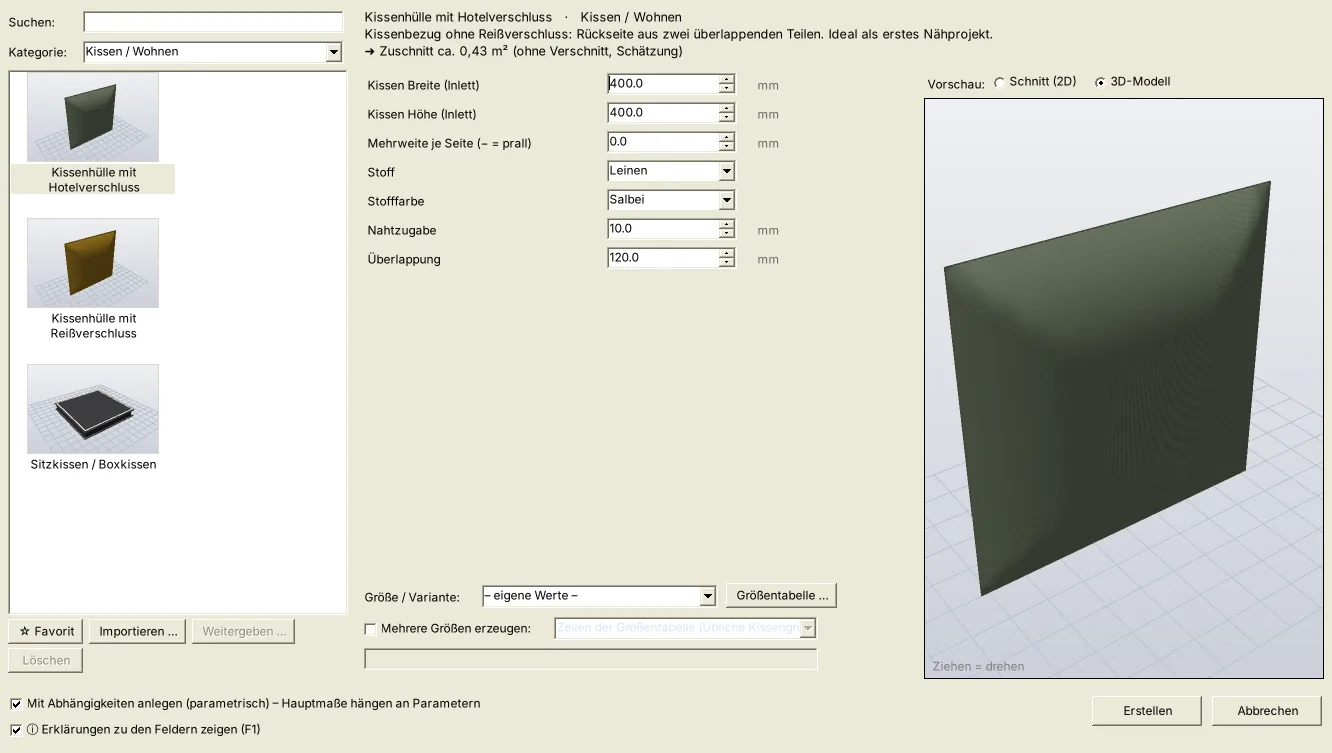
Start with a blank project or pick a template and adapt it to your measurements.
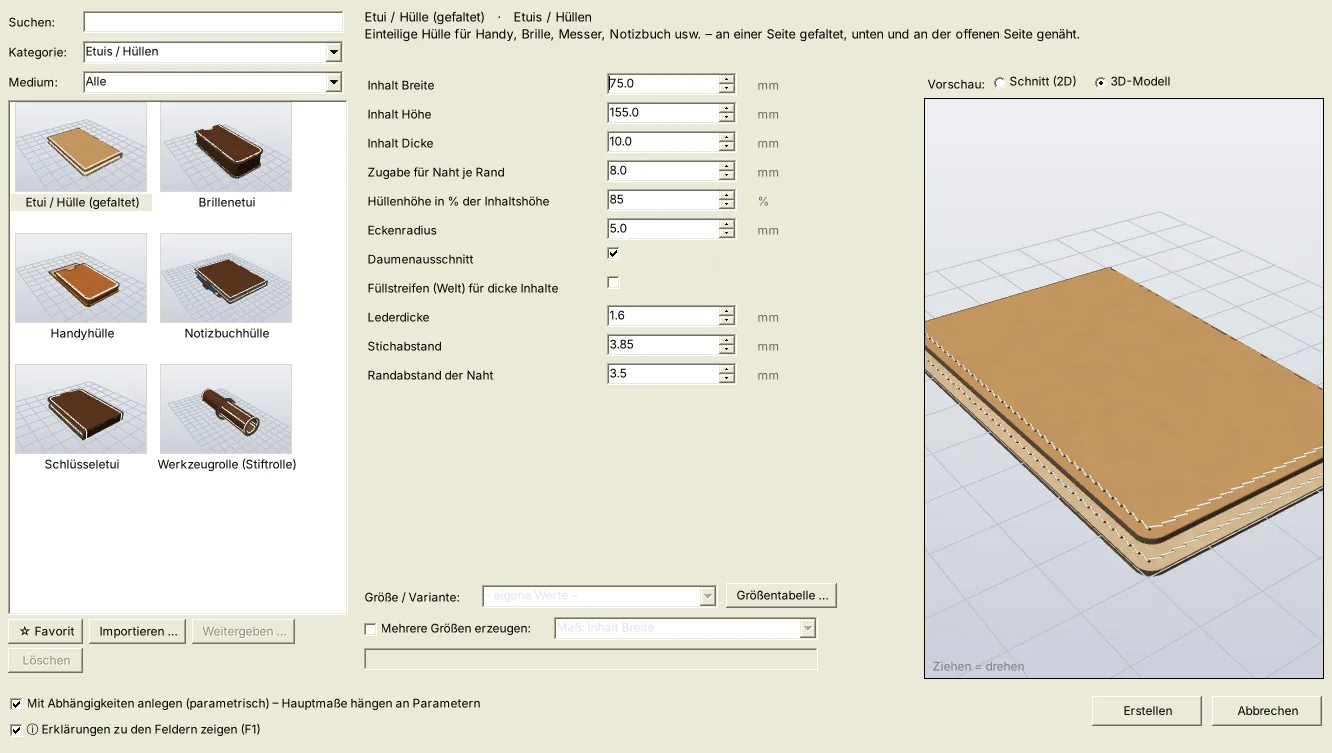
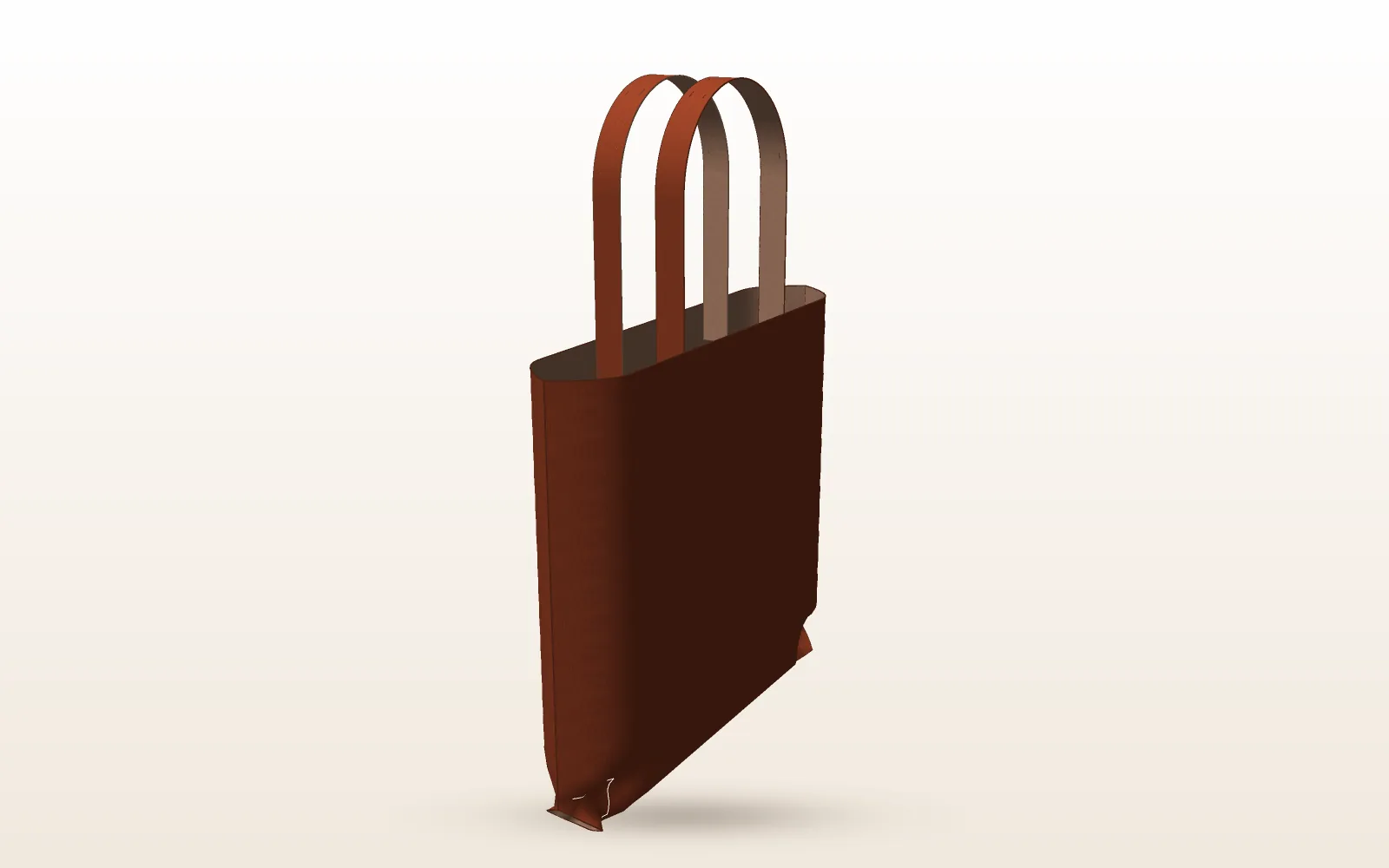
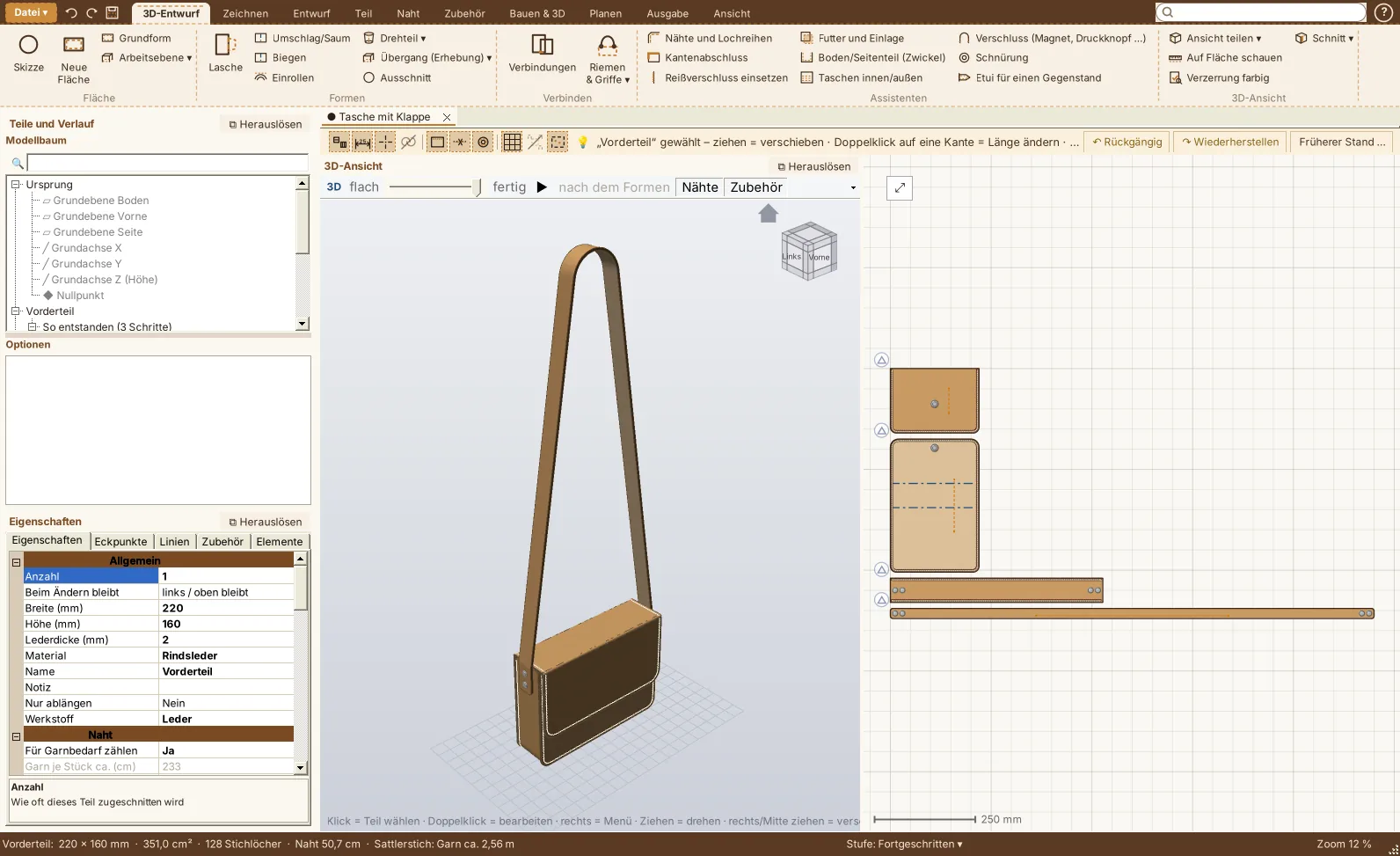
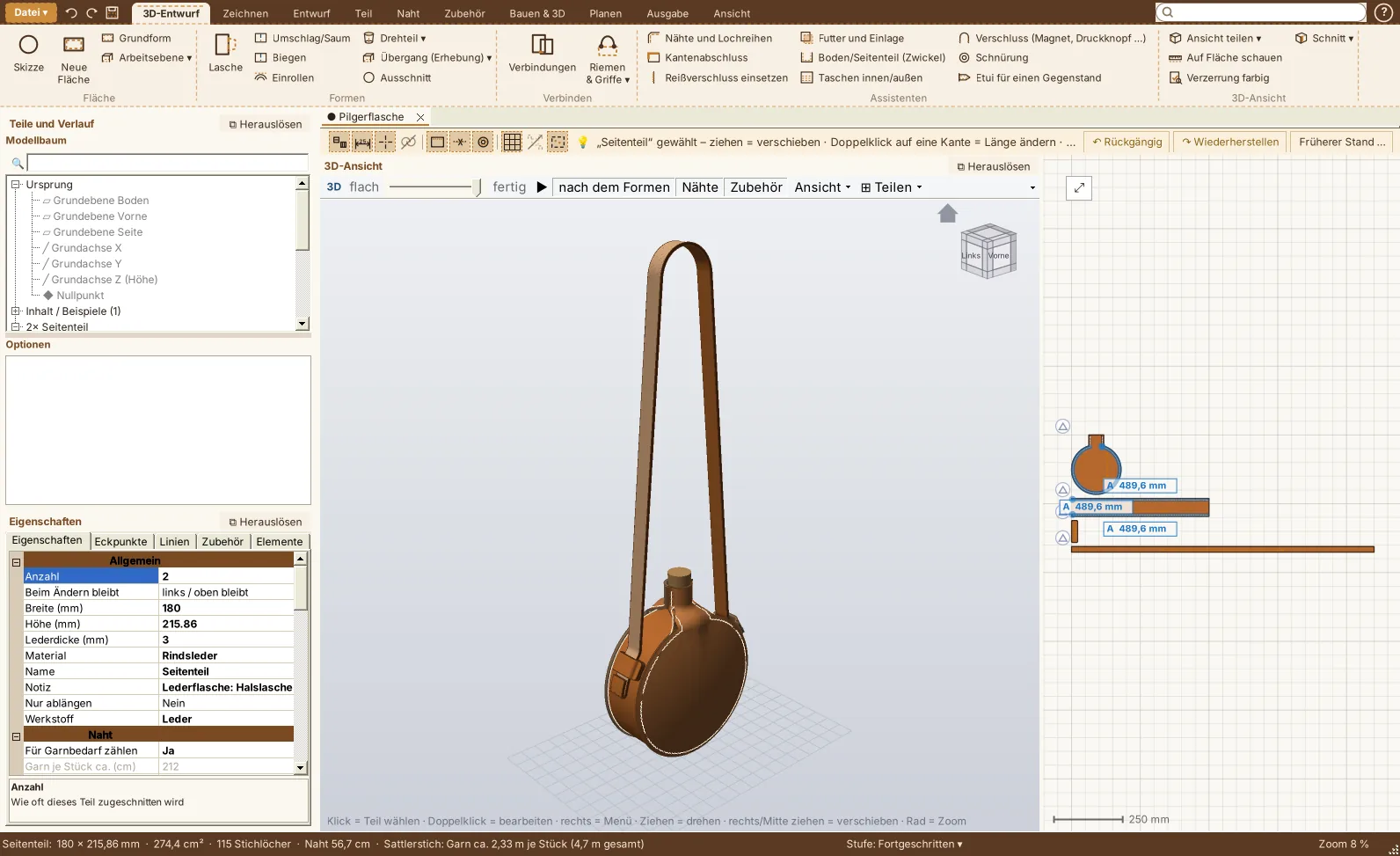
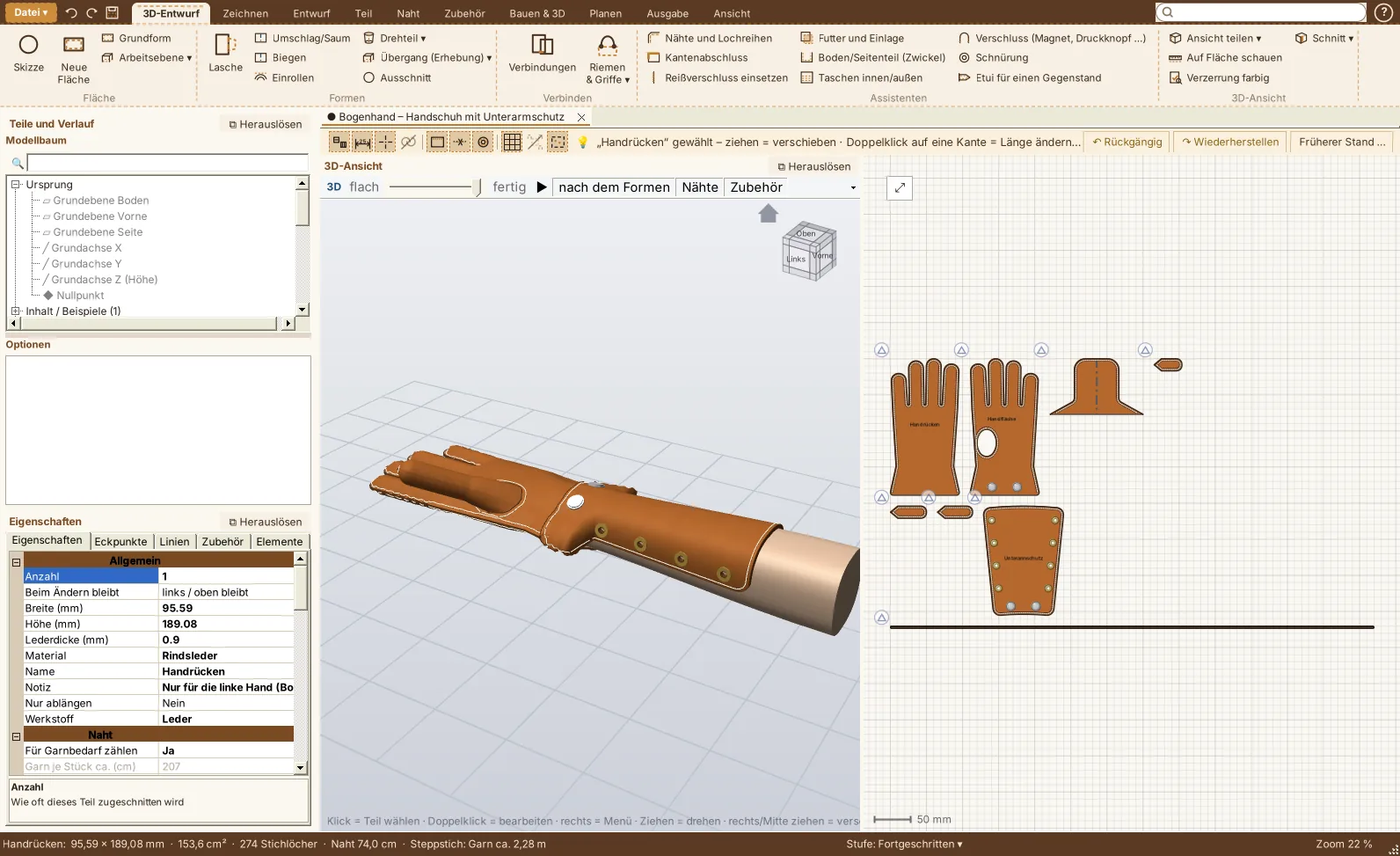
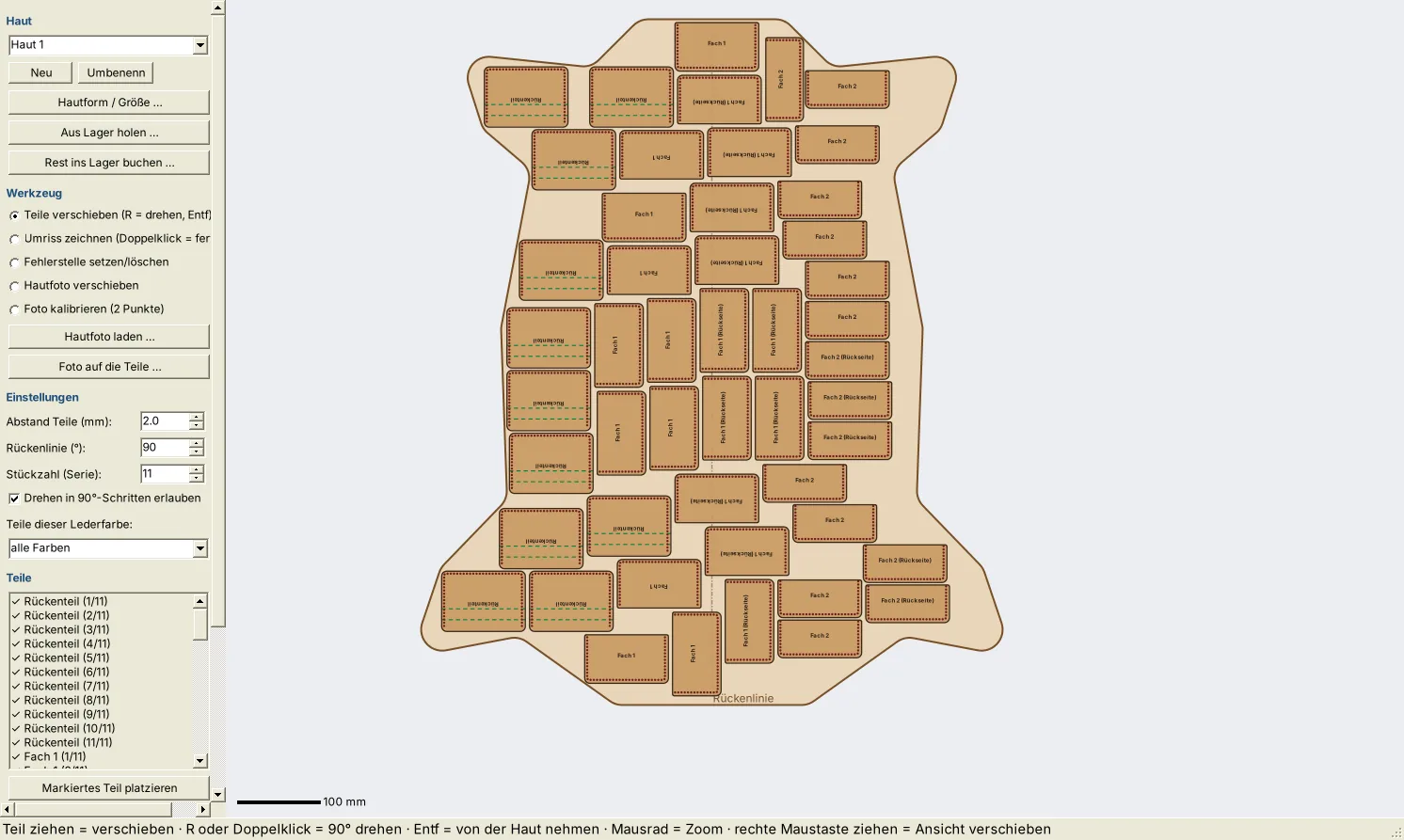
Leather: 2D and 3D side by side
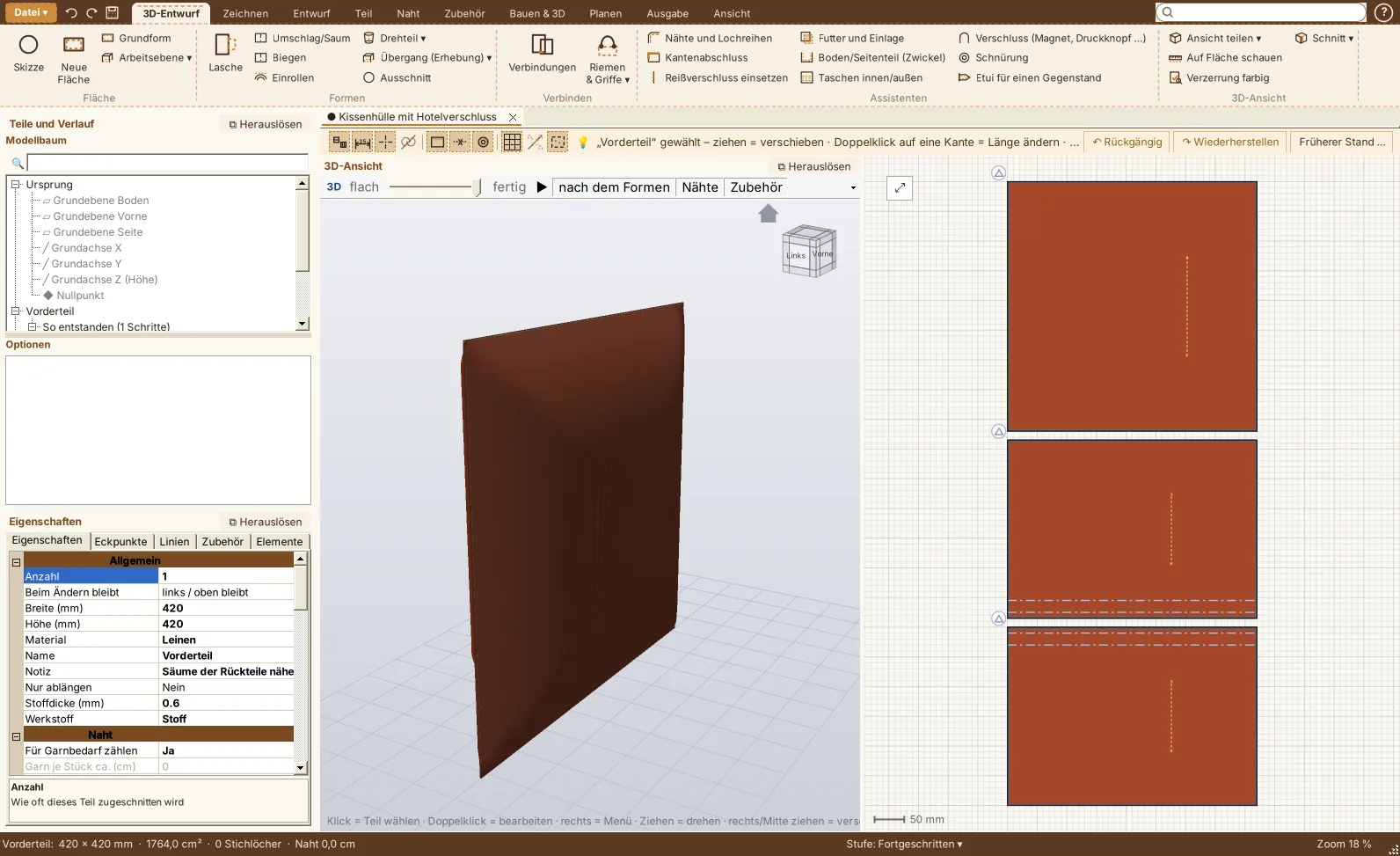
The 3D model on the left, the pattern pieces on the right. Every change shows up in both views at once.
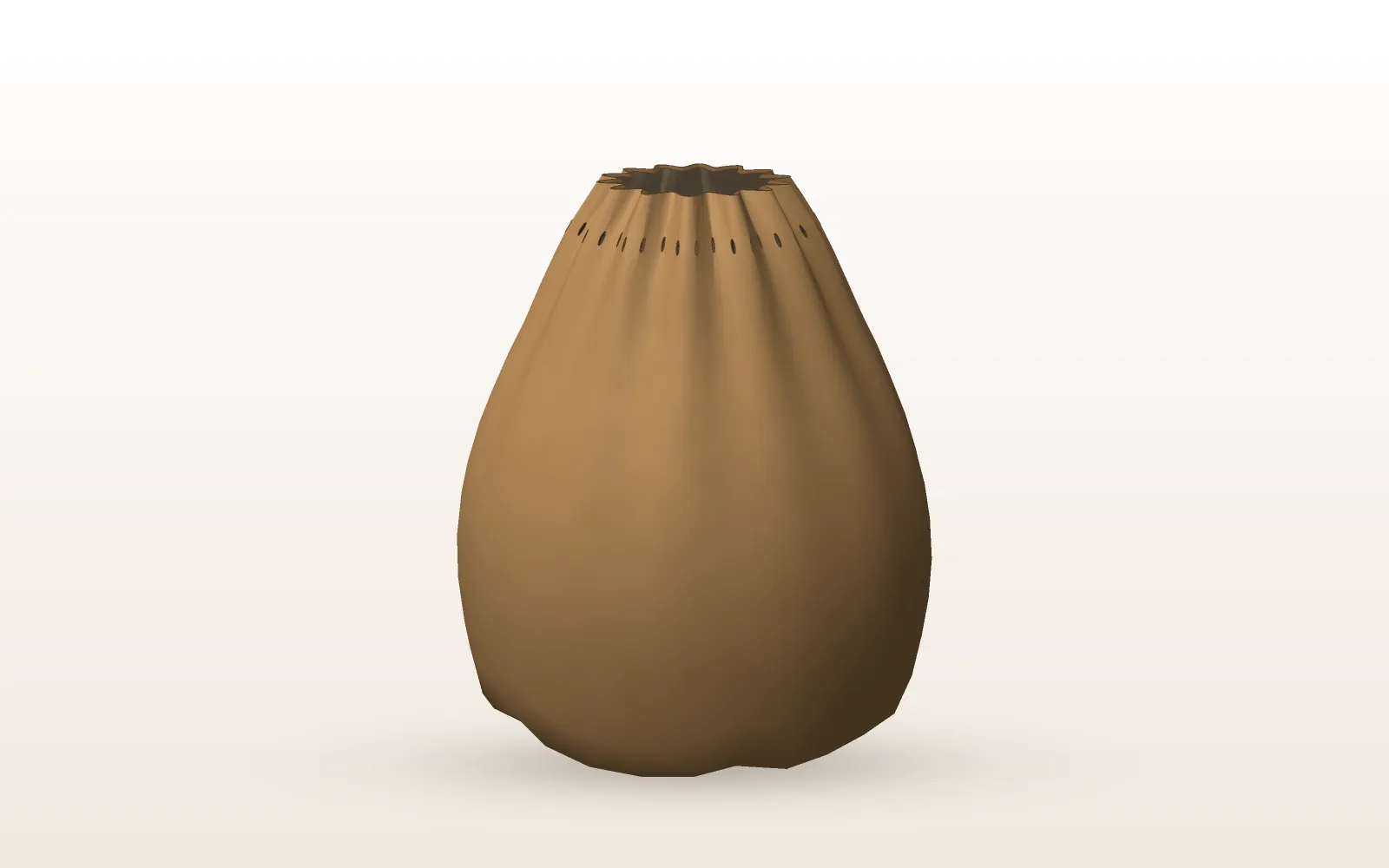
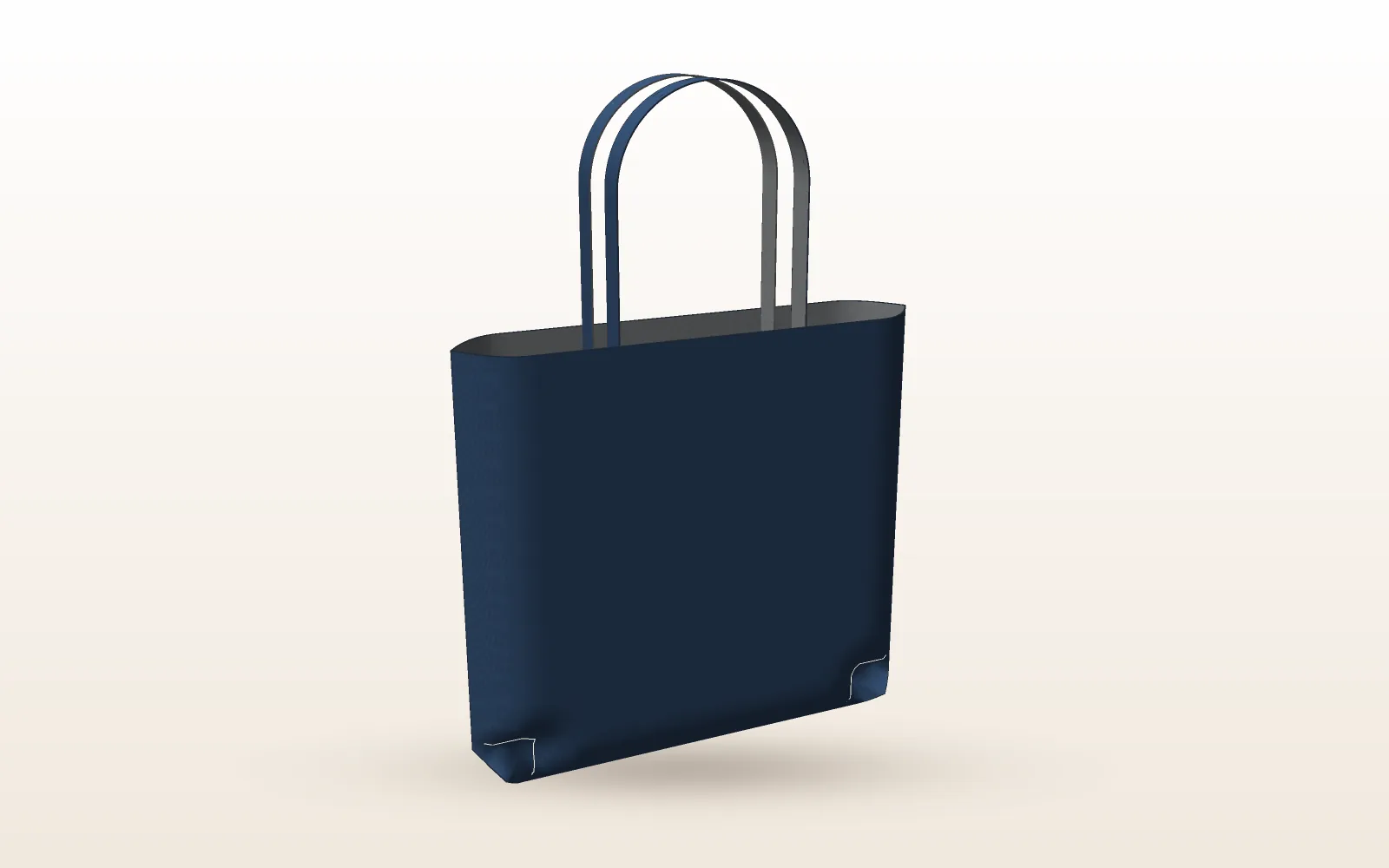
Fabric: bags, cushions and more
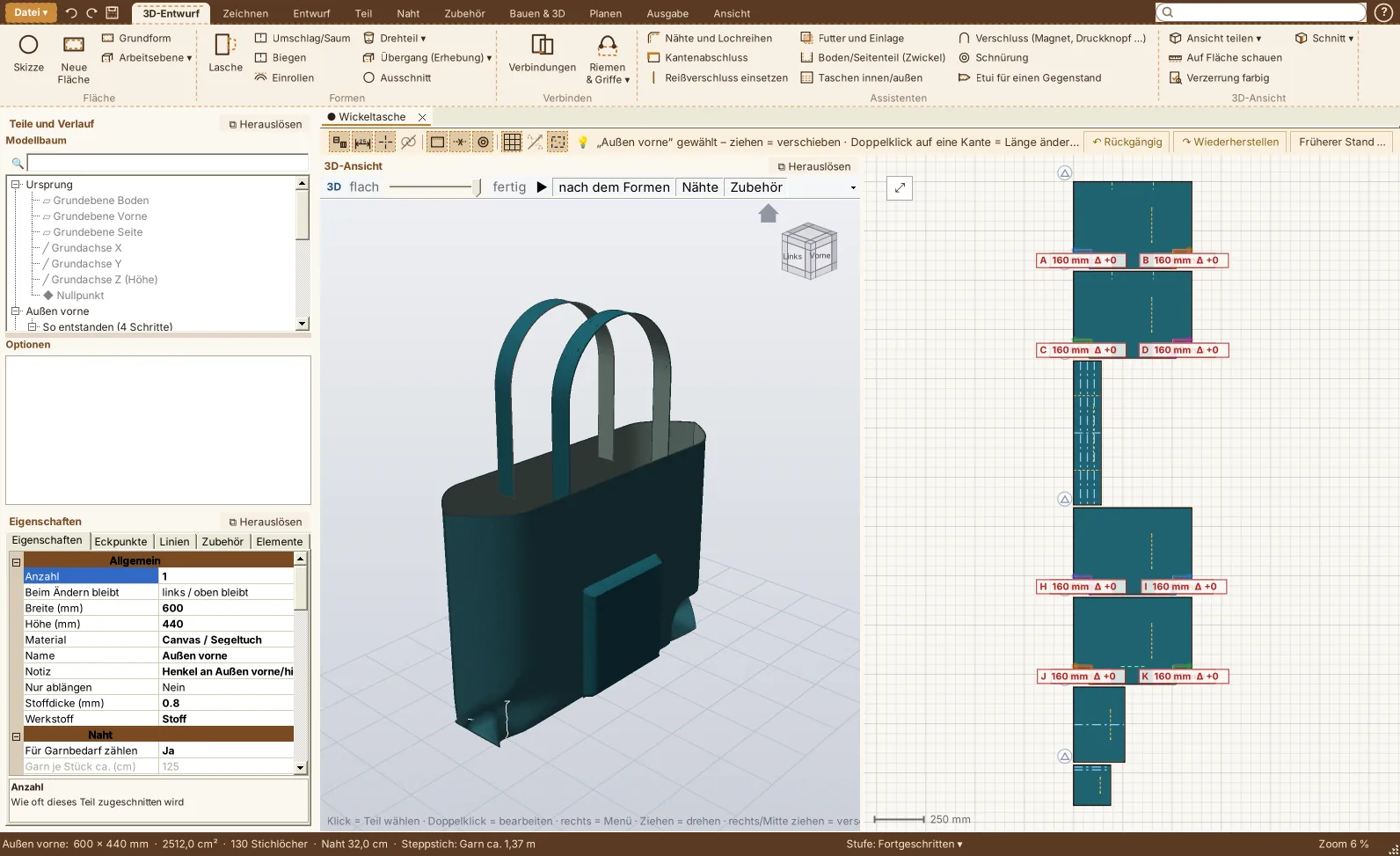
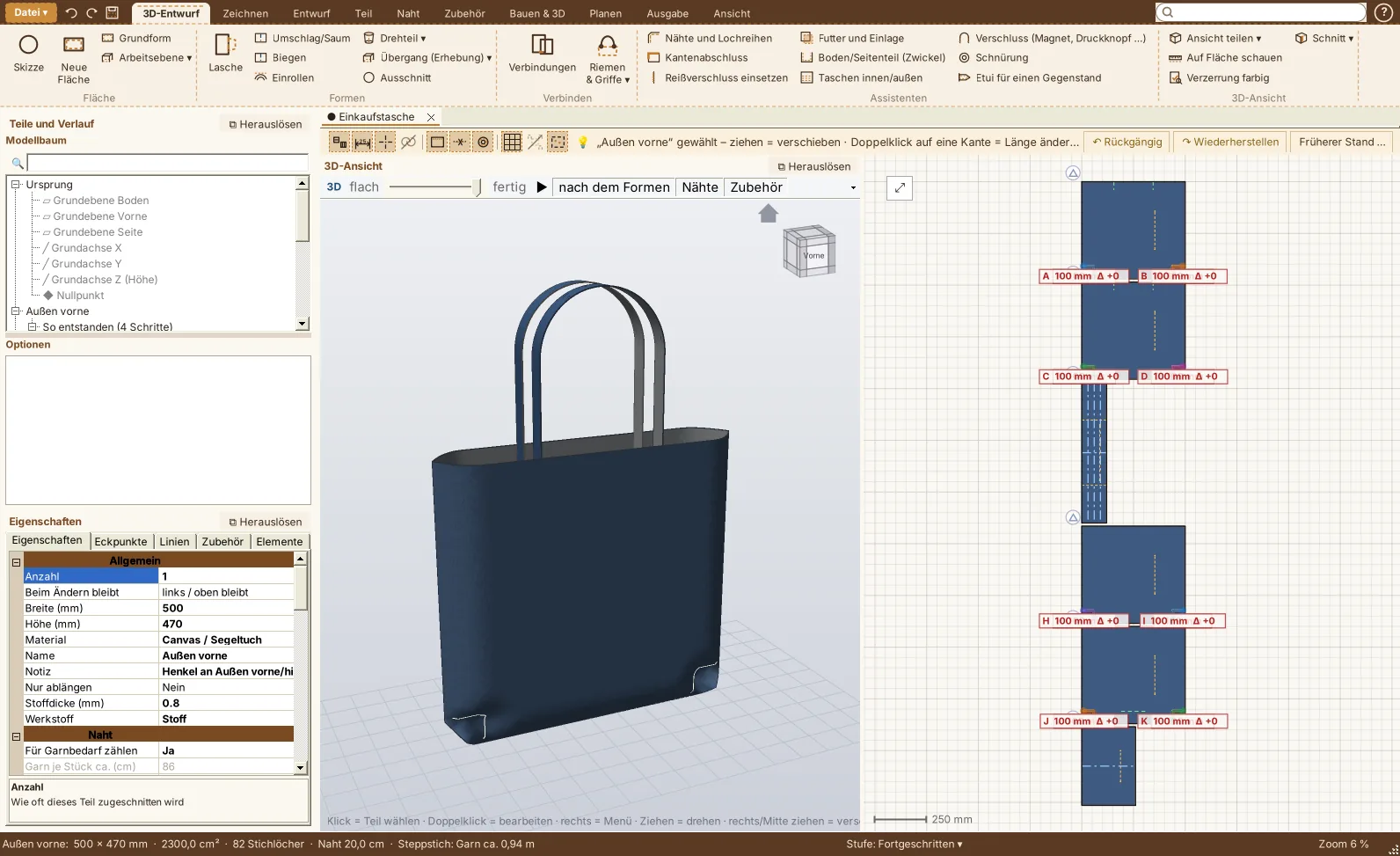
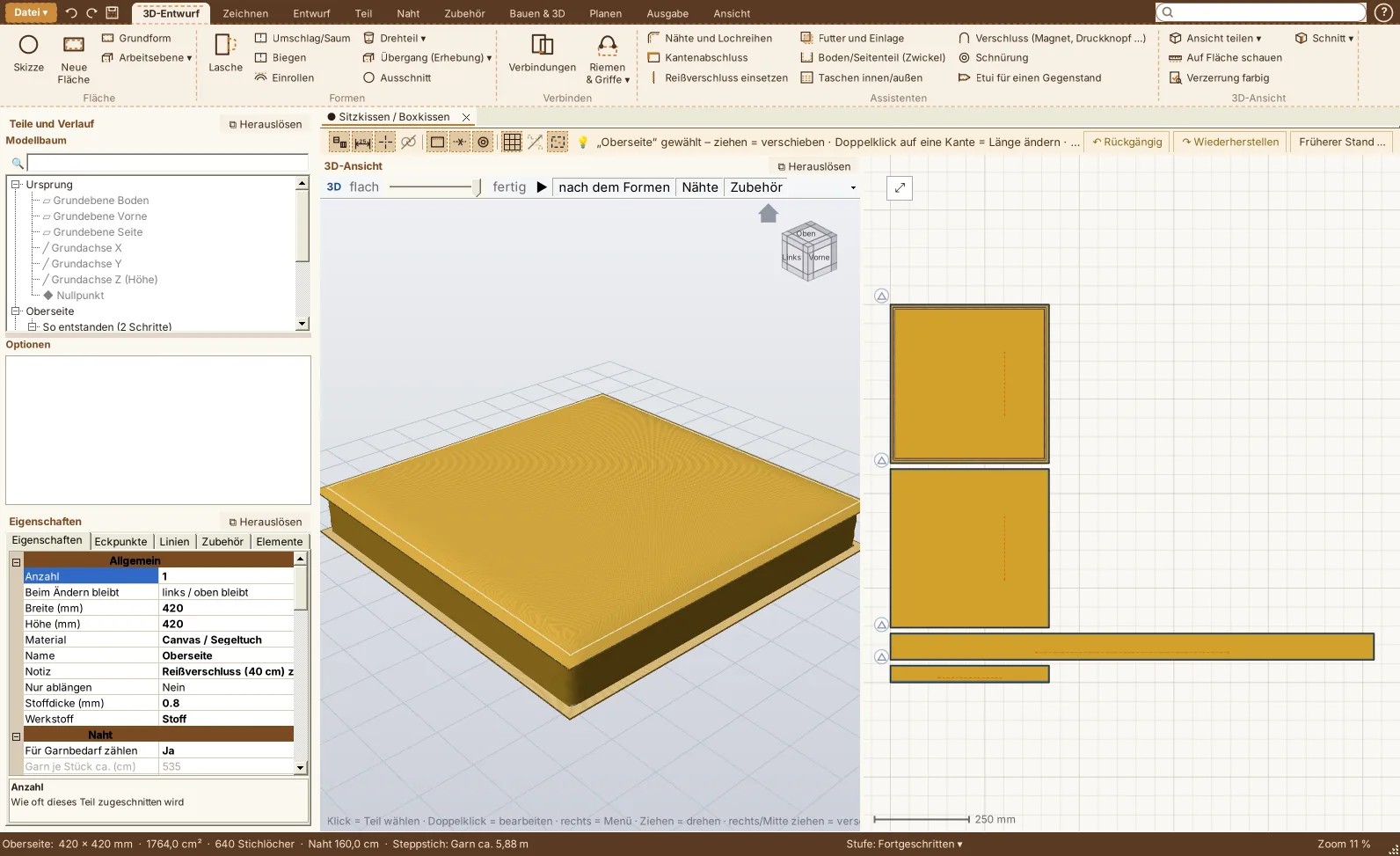
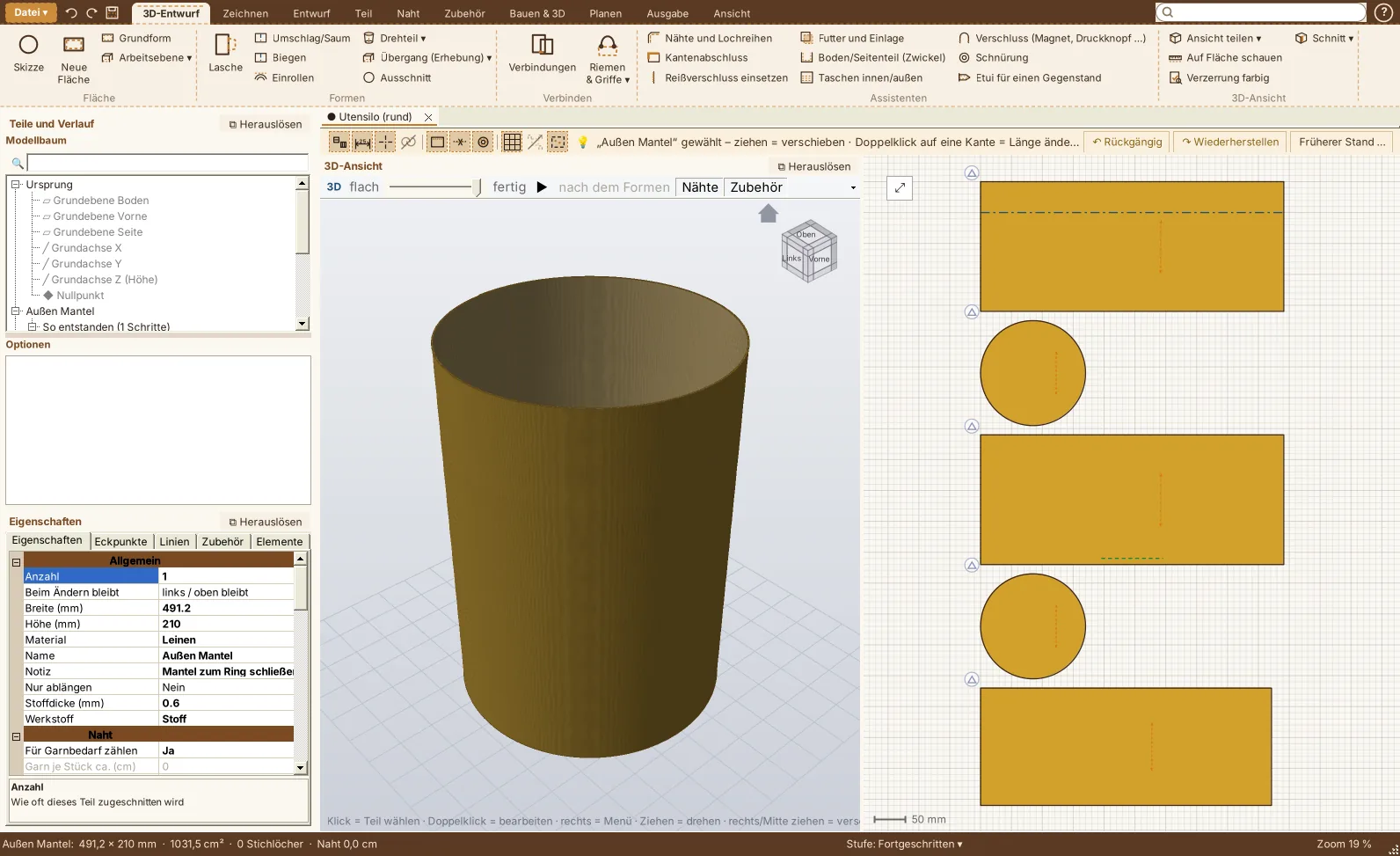
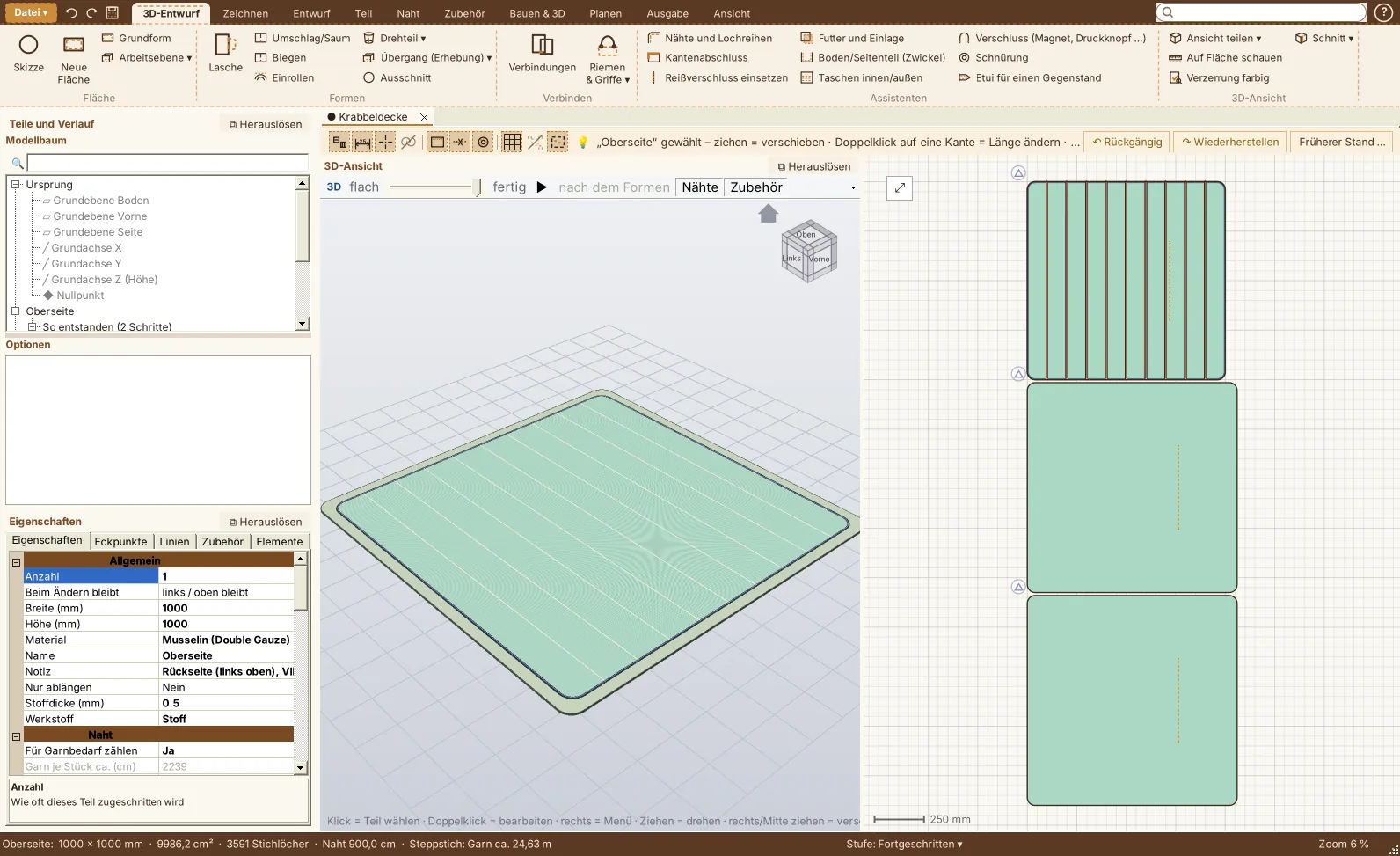
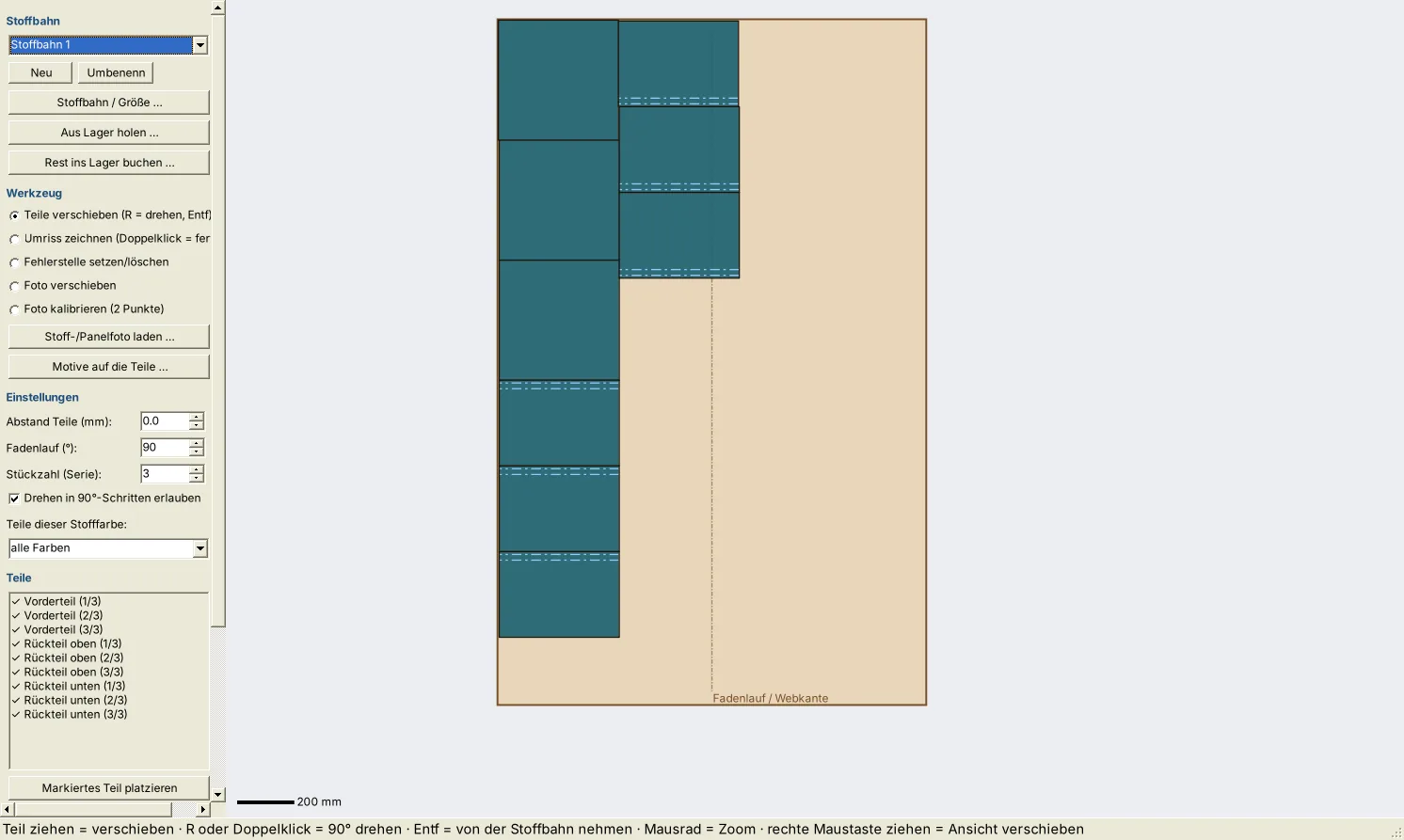
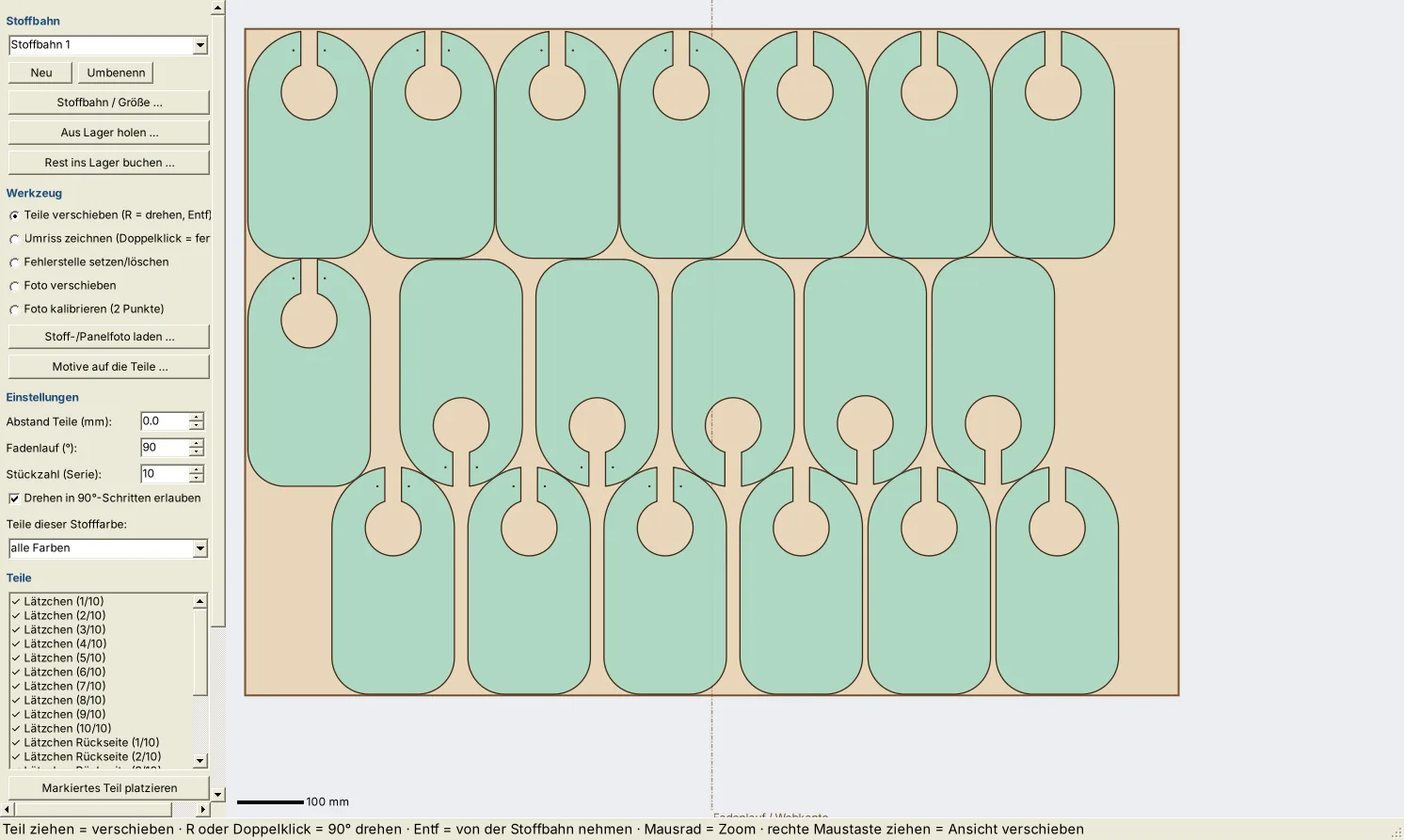
For fabric, too, the pattern is created right next to the 3D model, including a cutting layout for the fabric width.
Made to measure
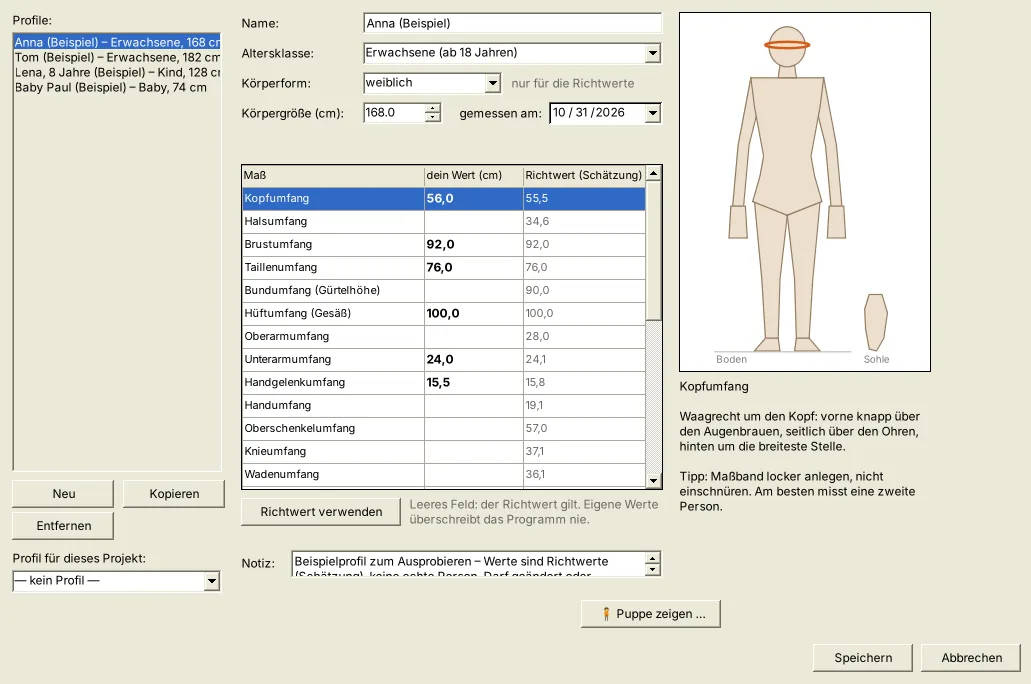
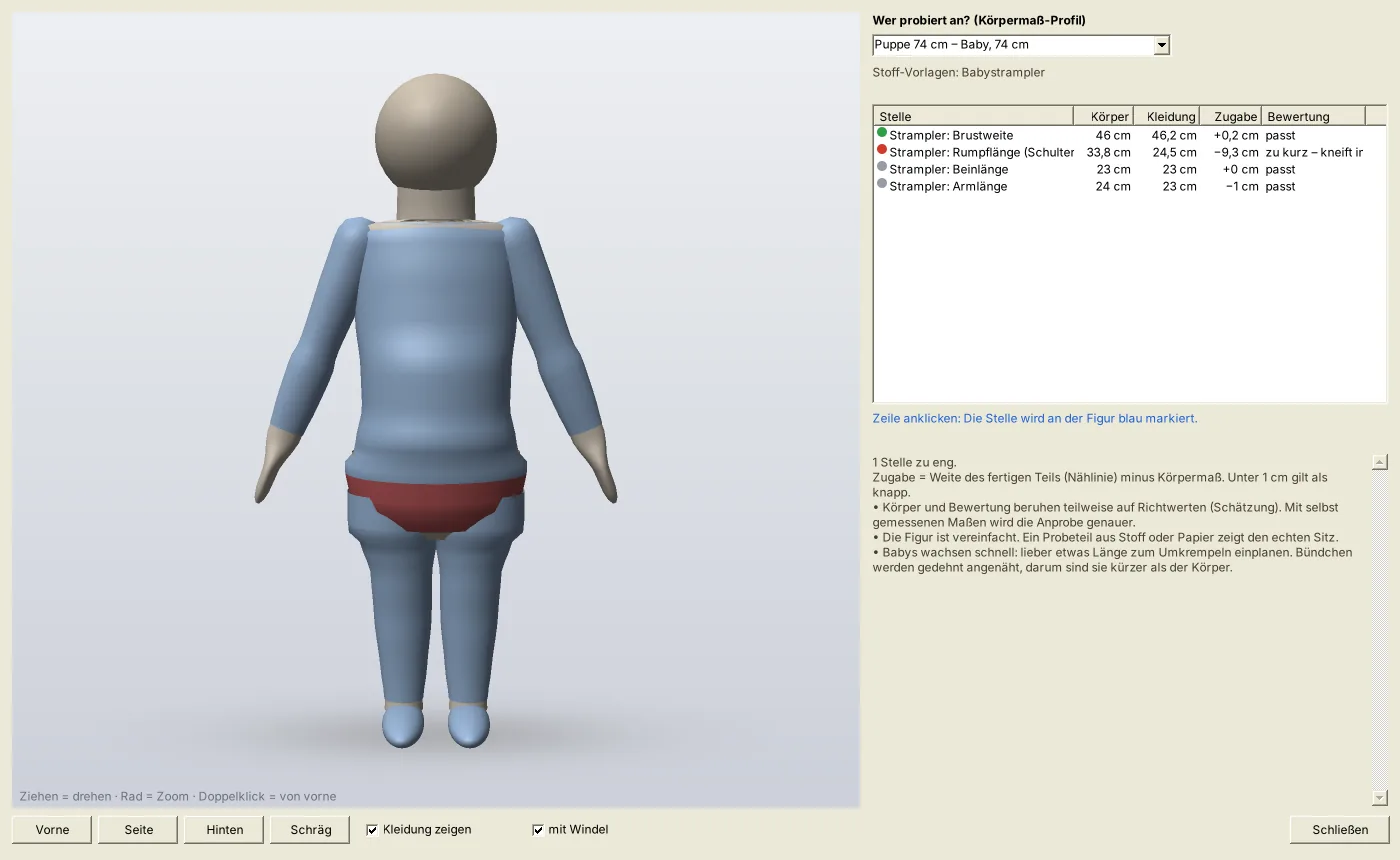
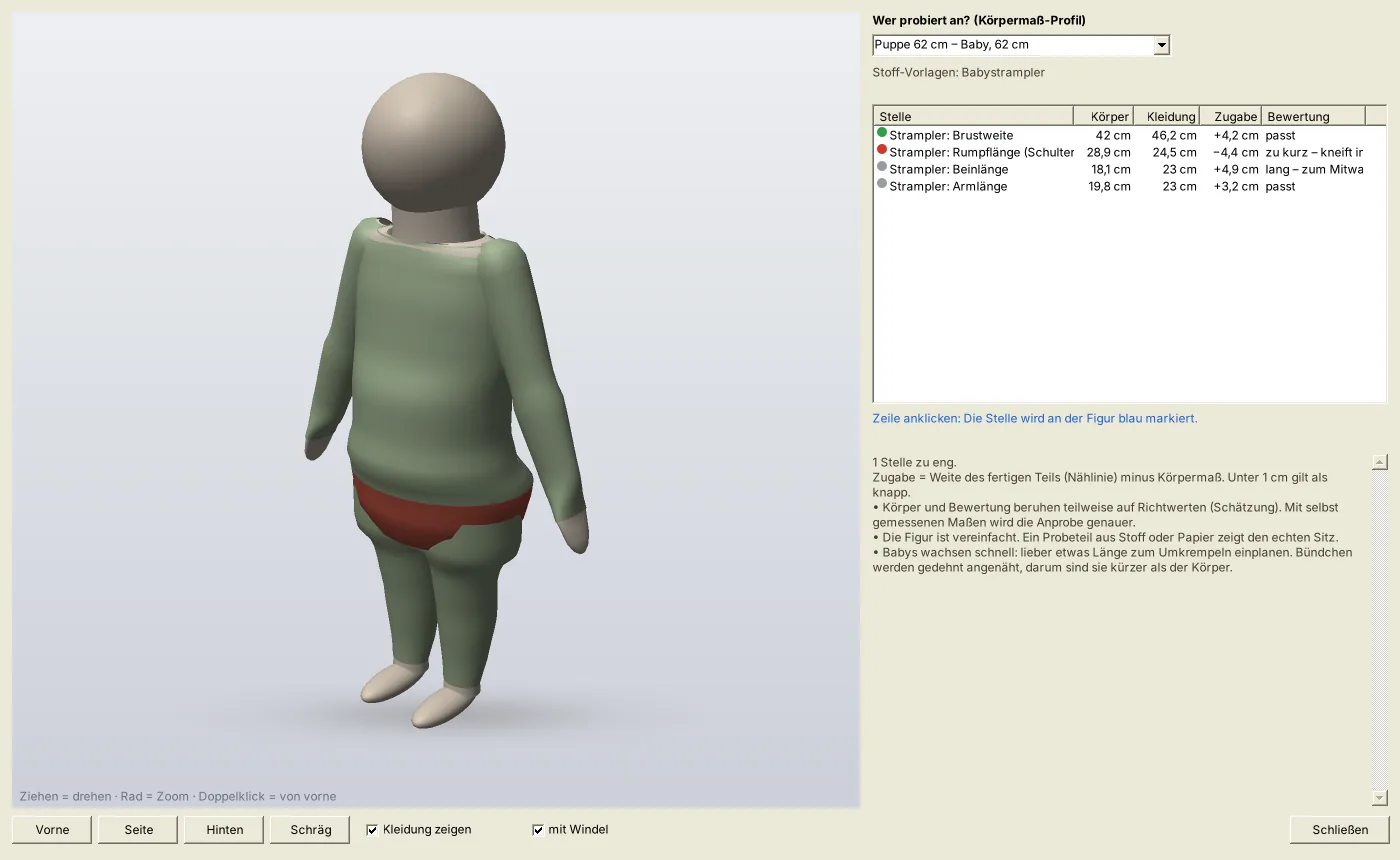
Save body measurements for yourself and others and try garments on a 3D body model.
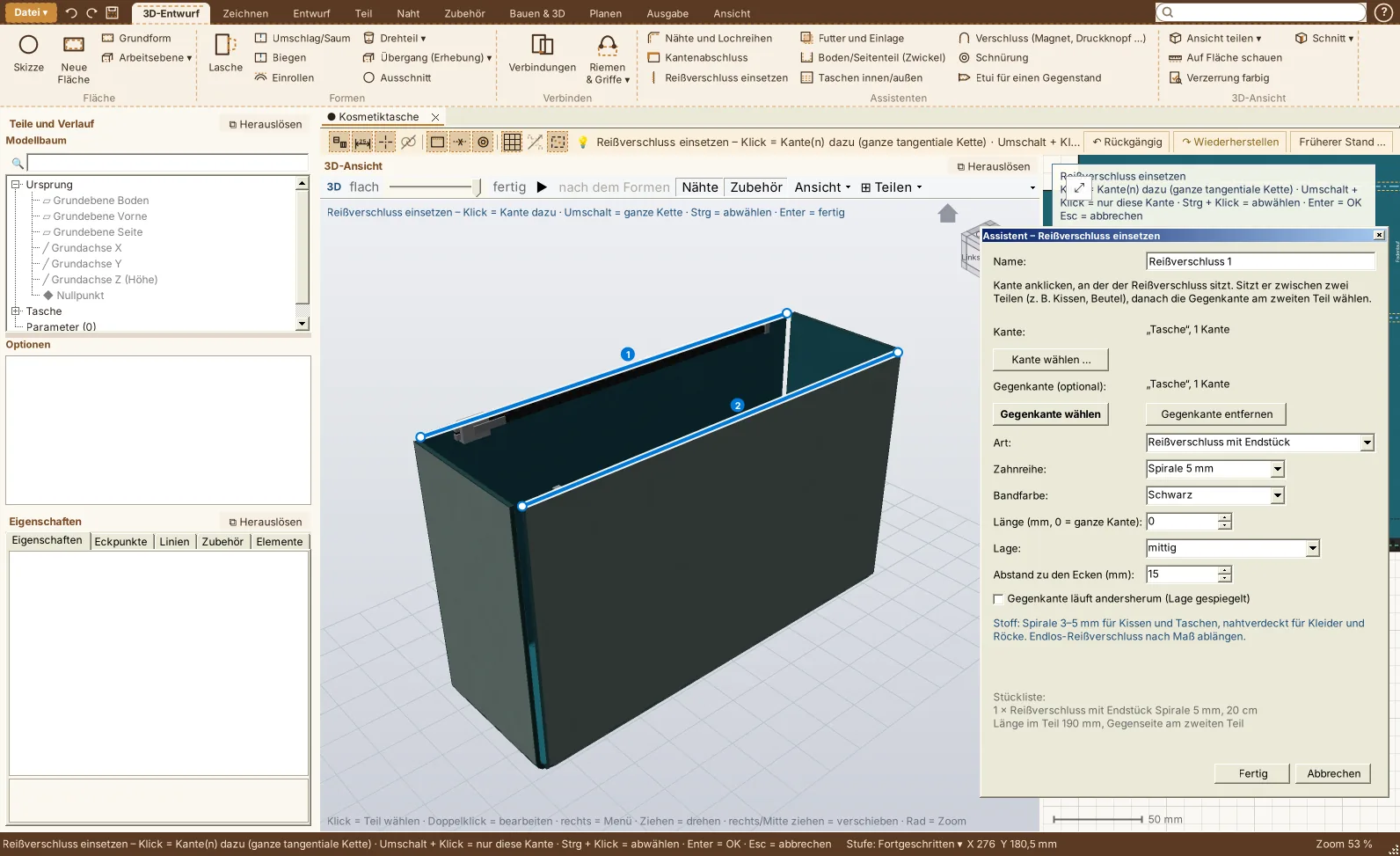
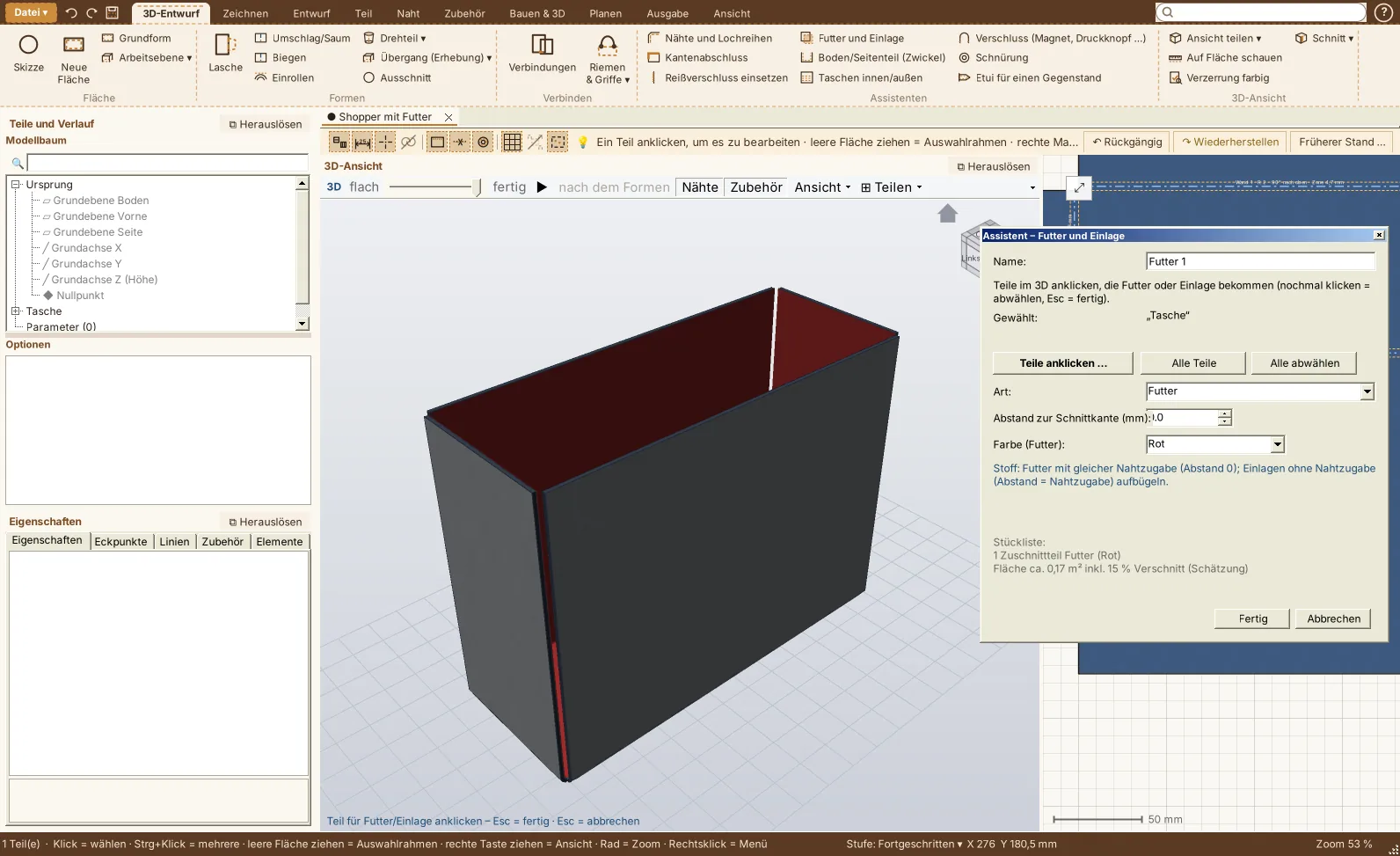
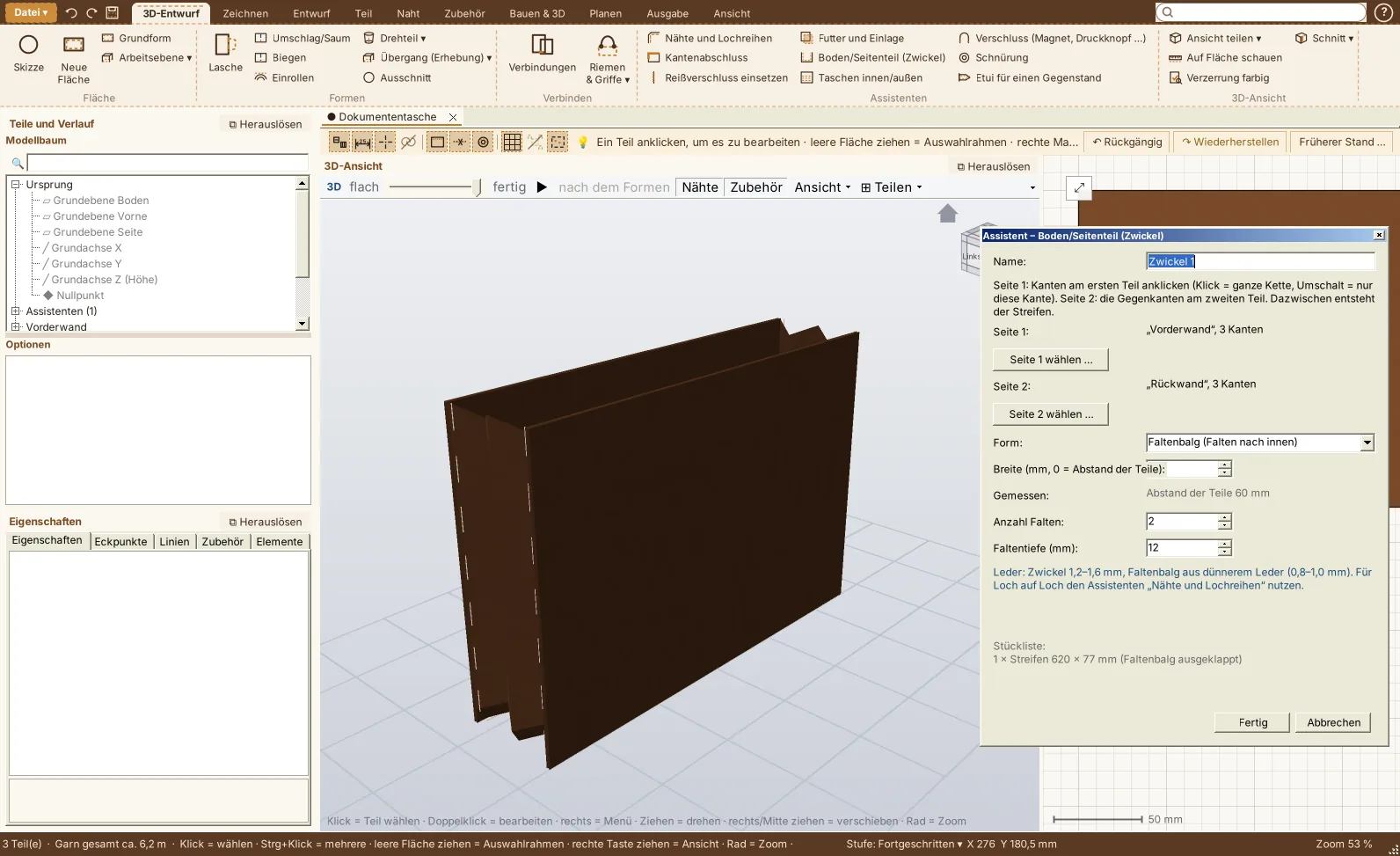
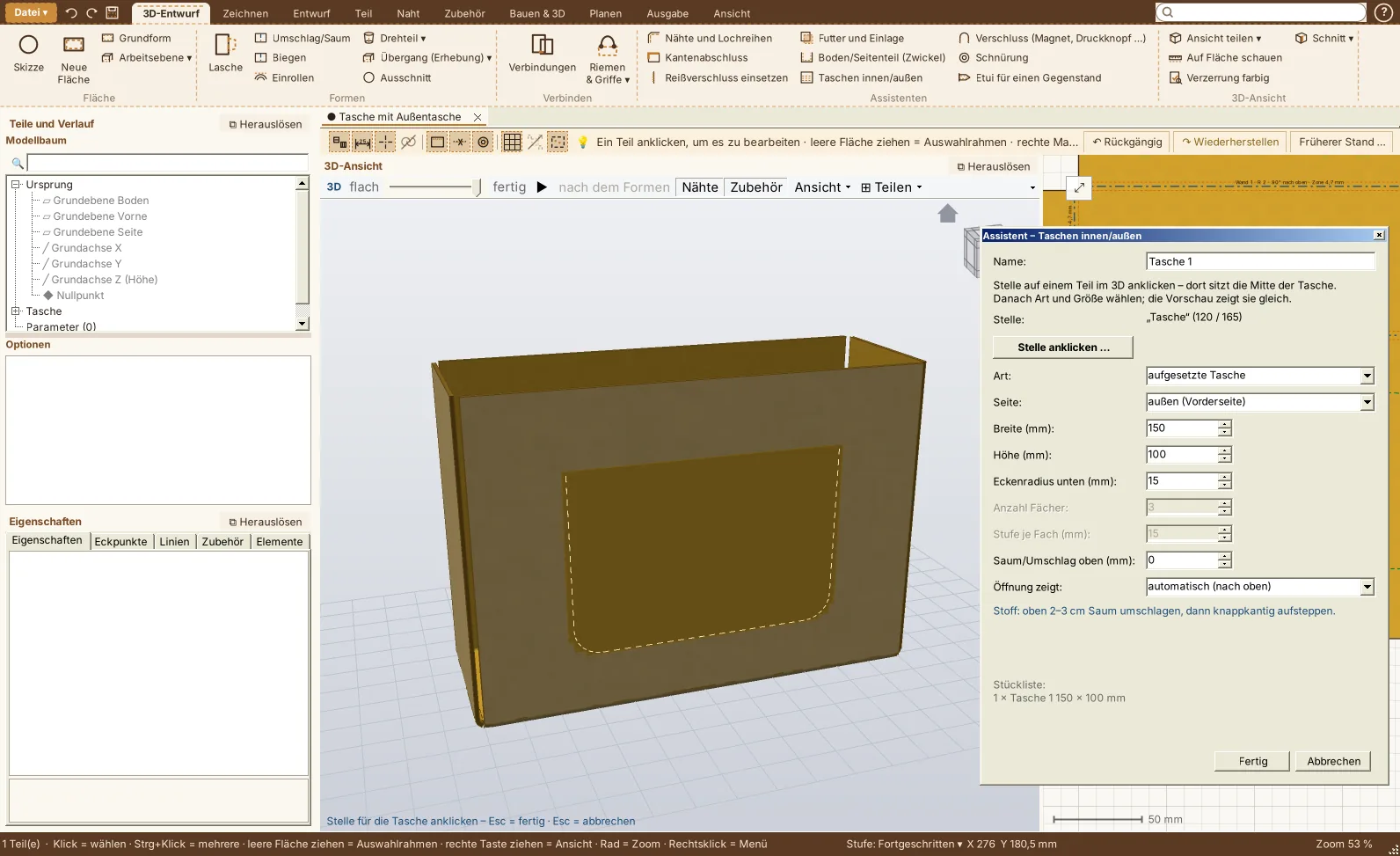
Assistants for every step
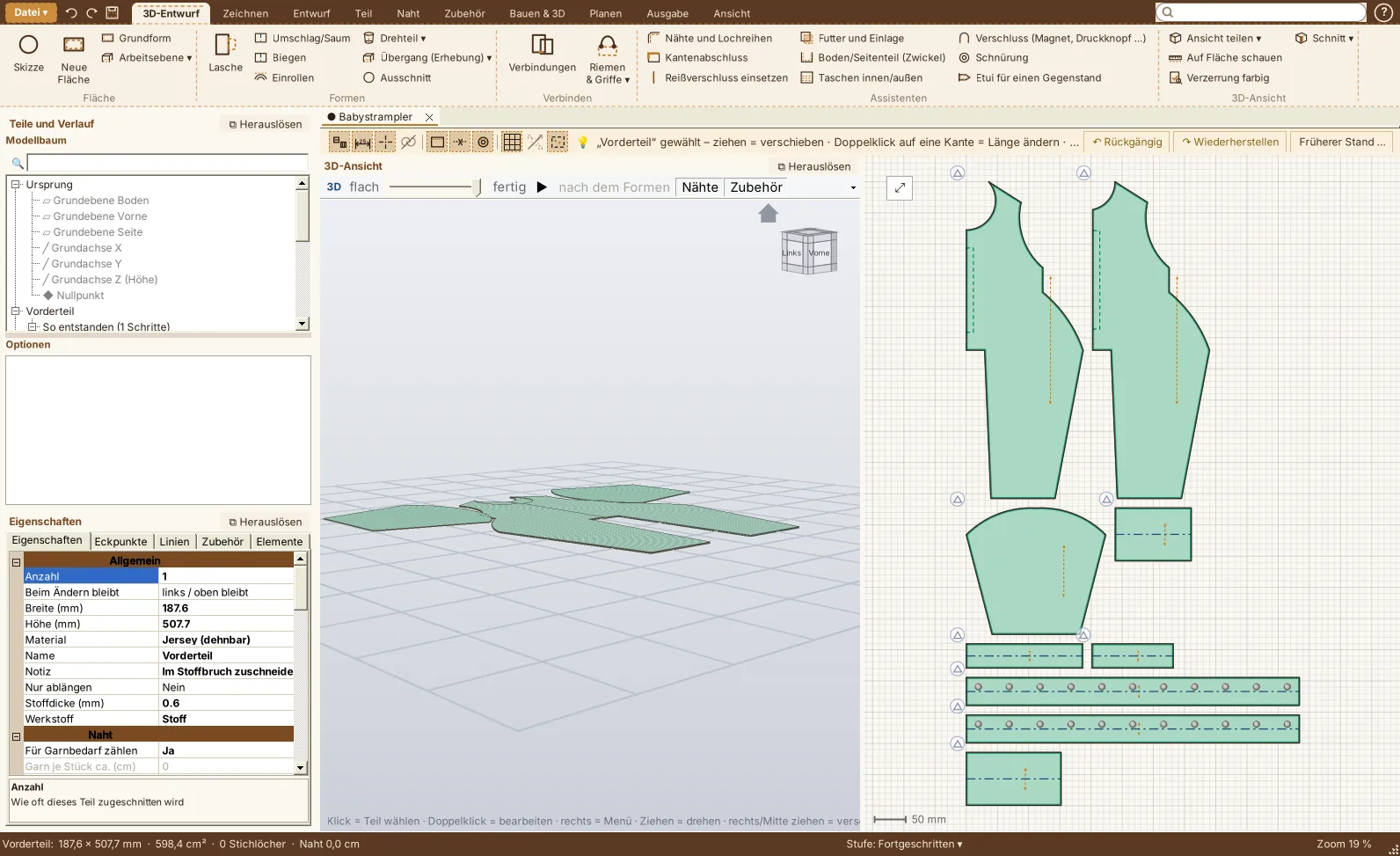
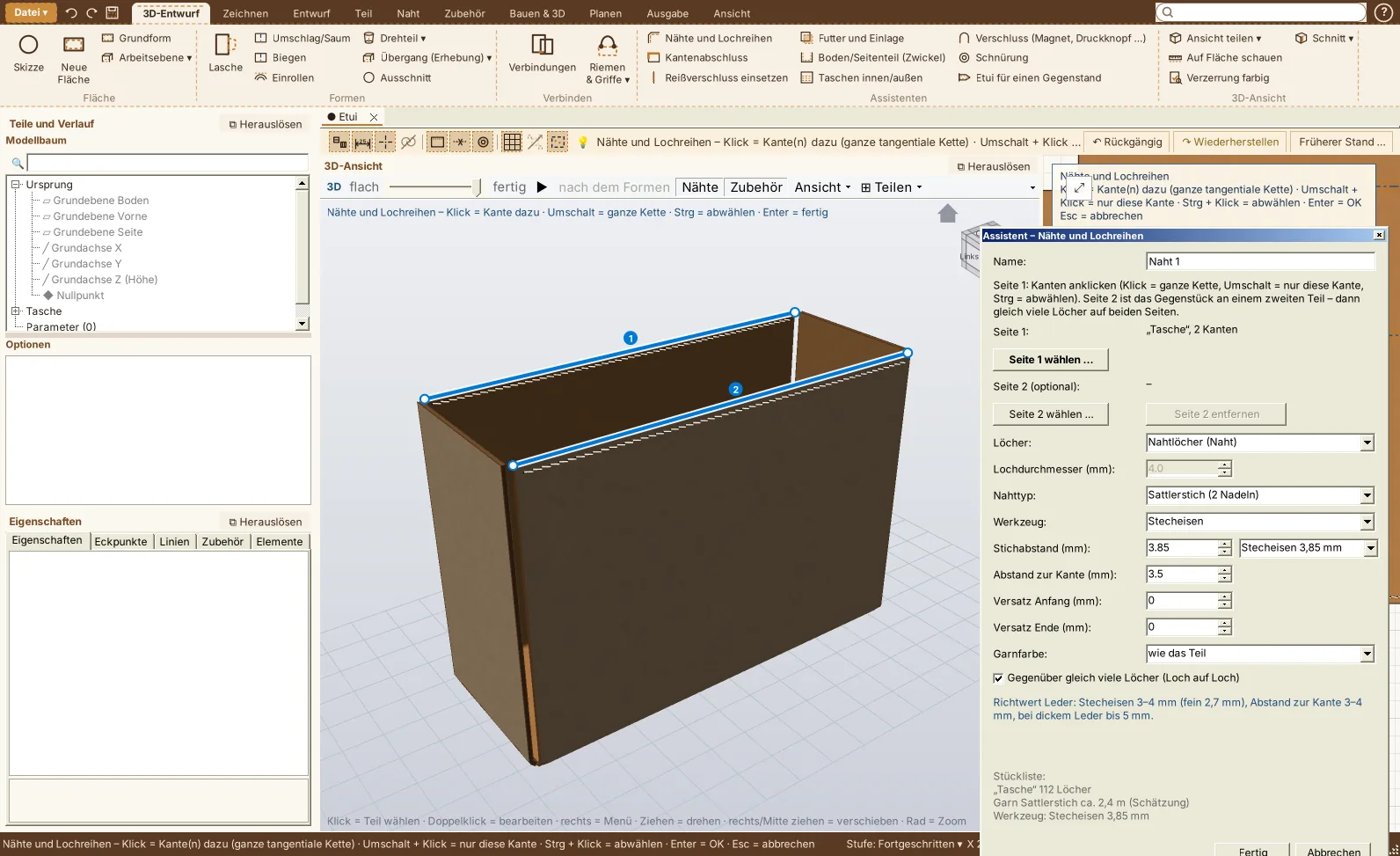
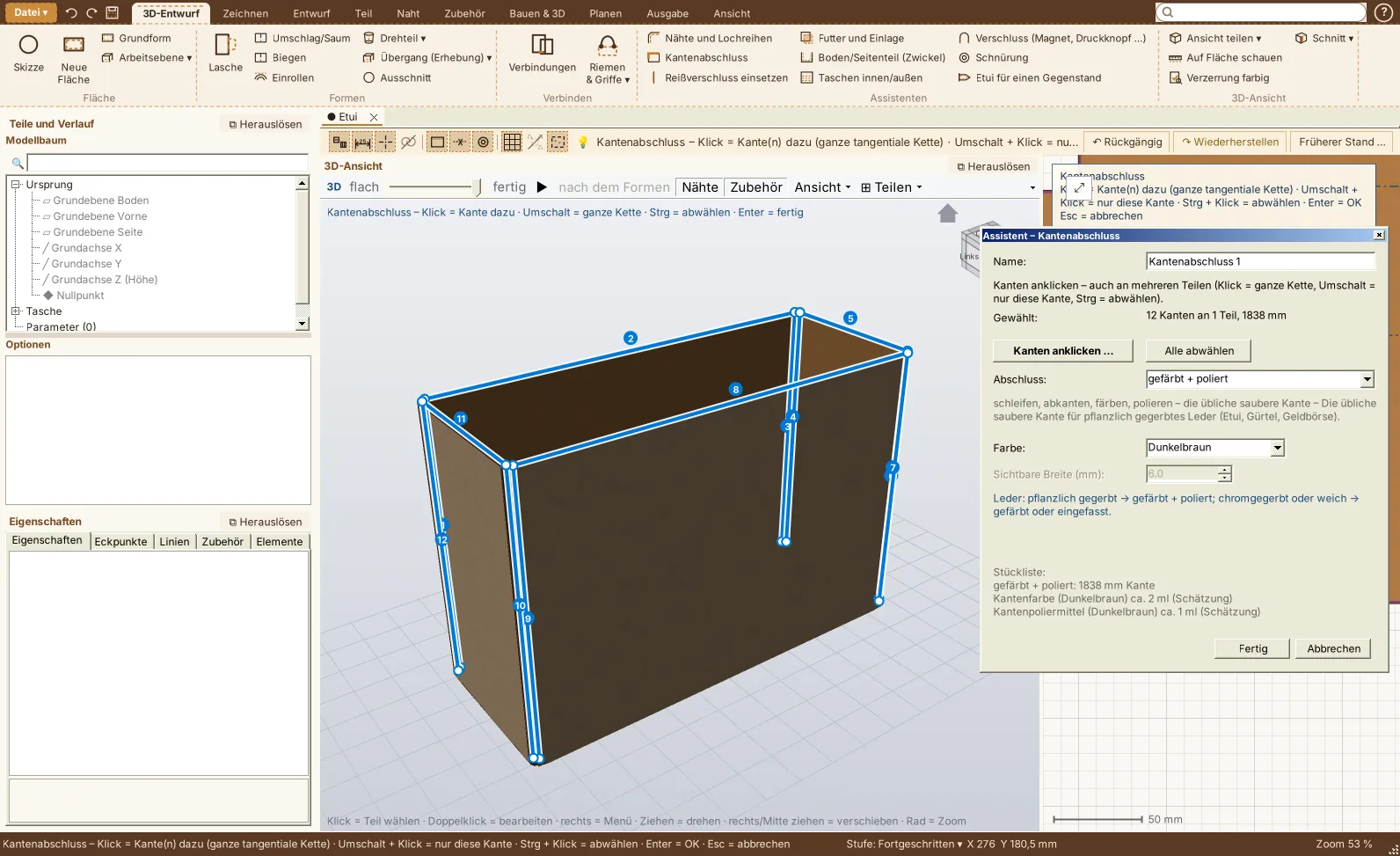
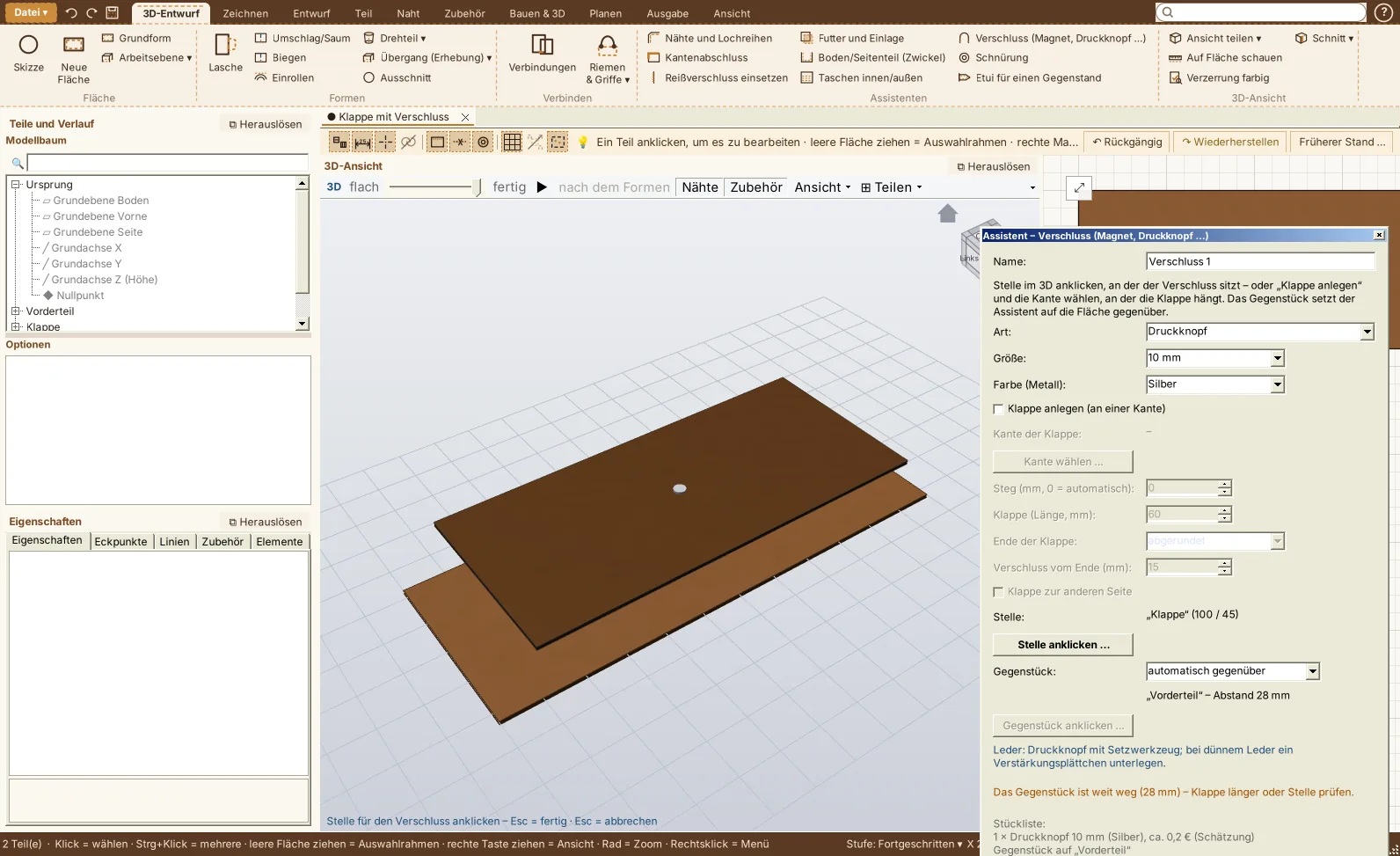
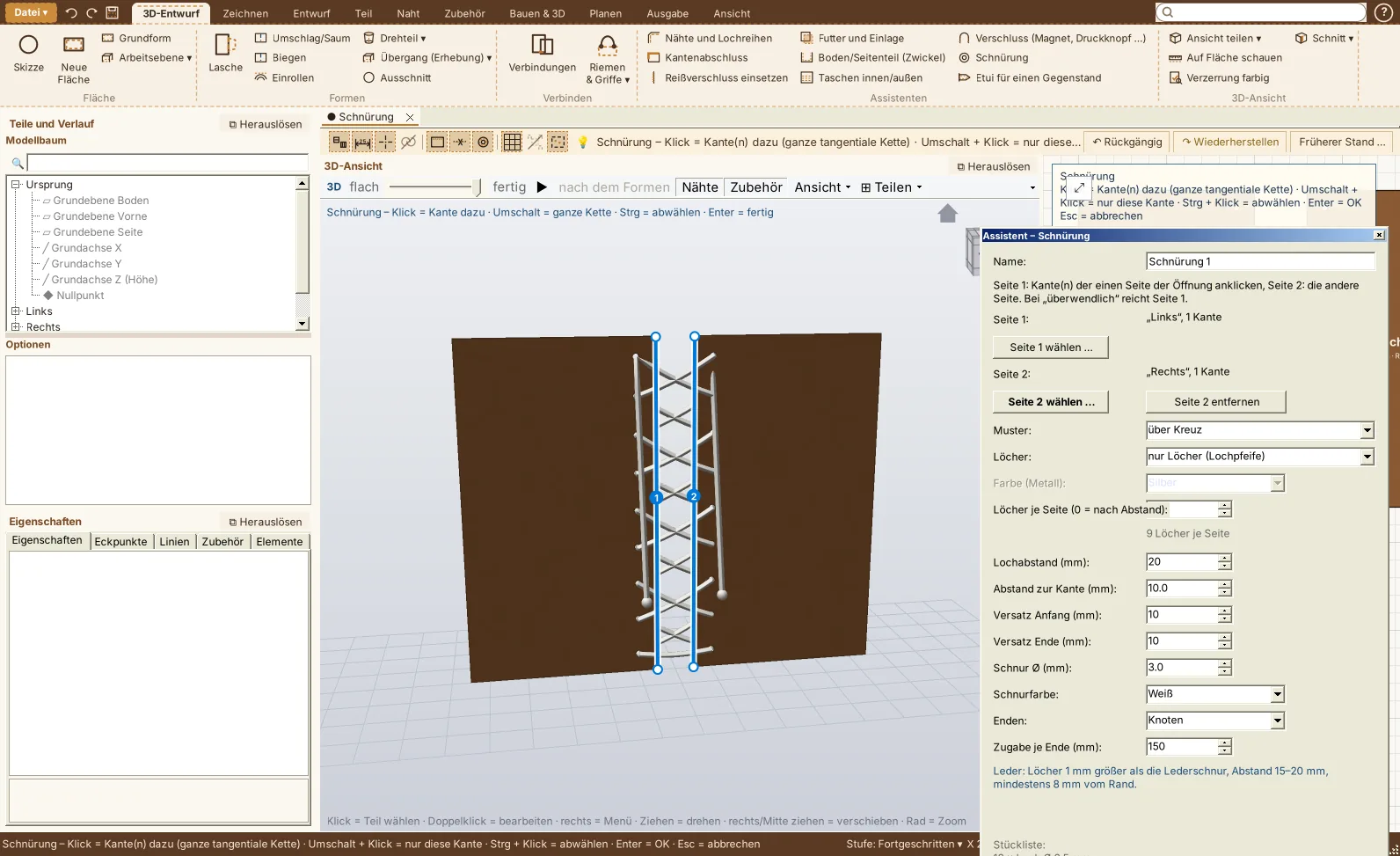
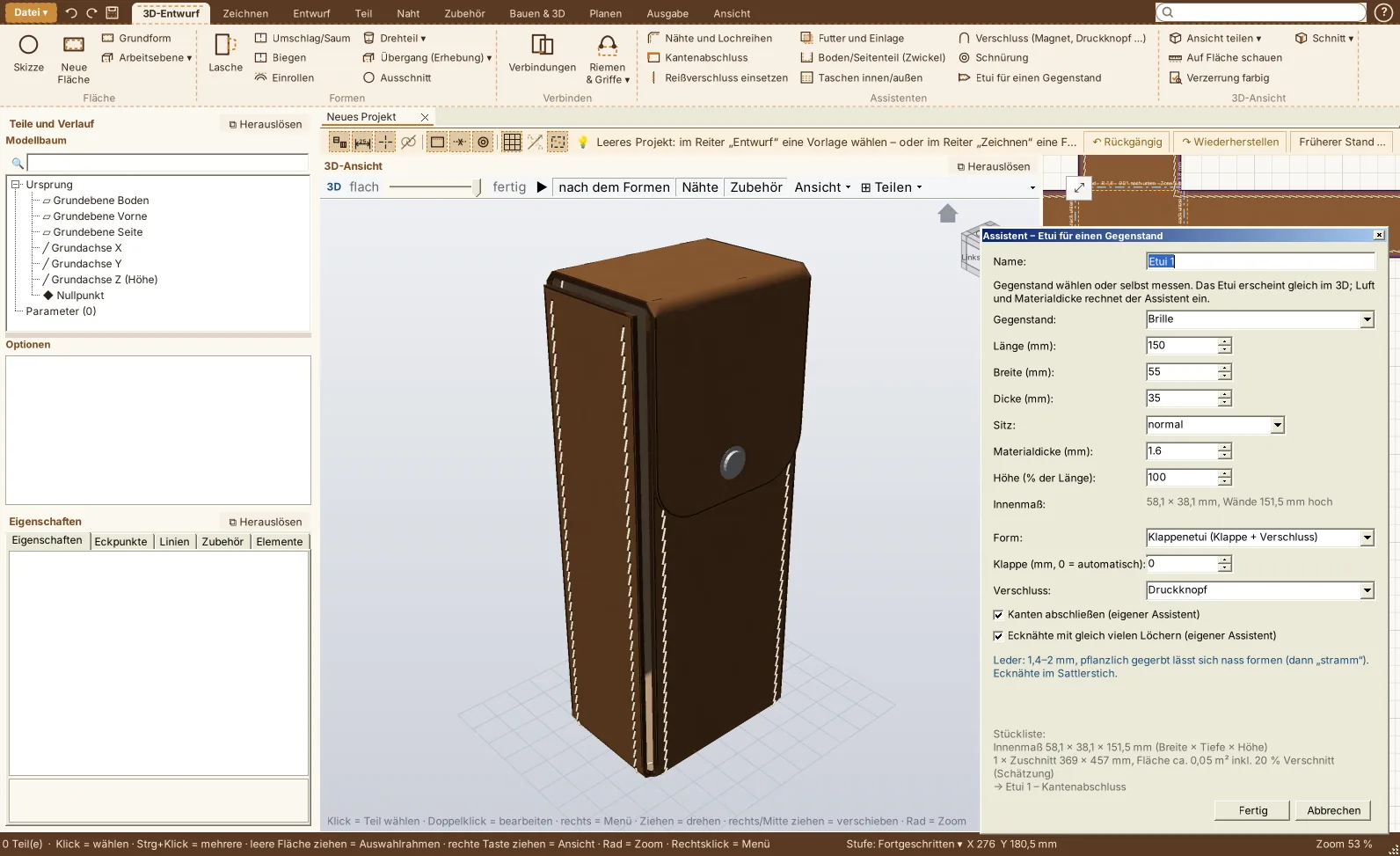
Seams, edges, zippers, lining or closures: an assistant guides you through the settings and shows the result on the model right away.
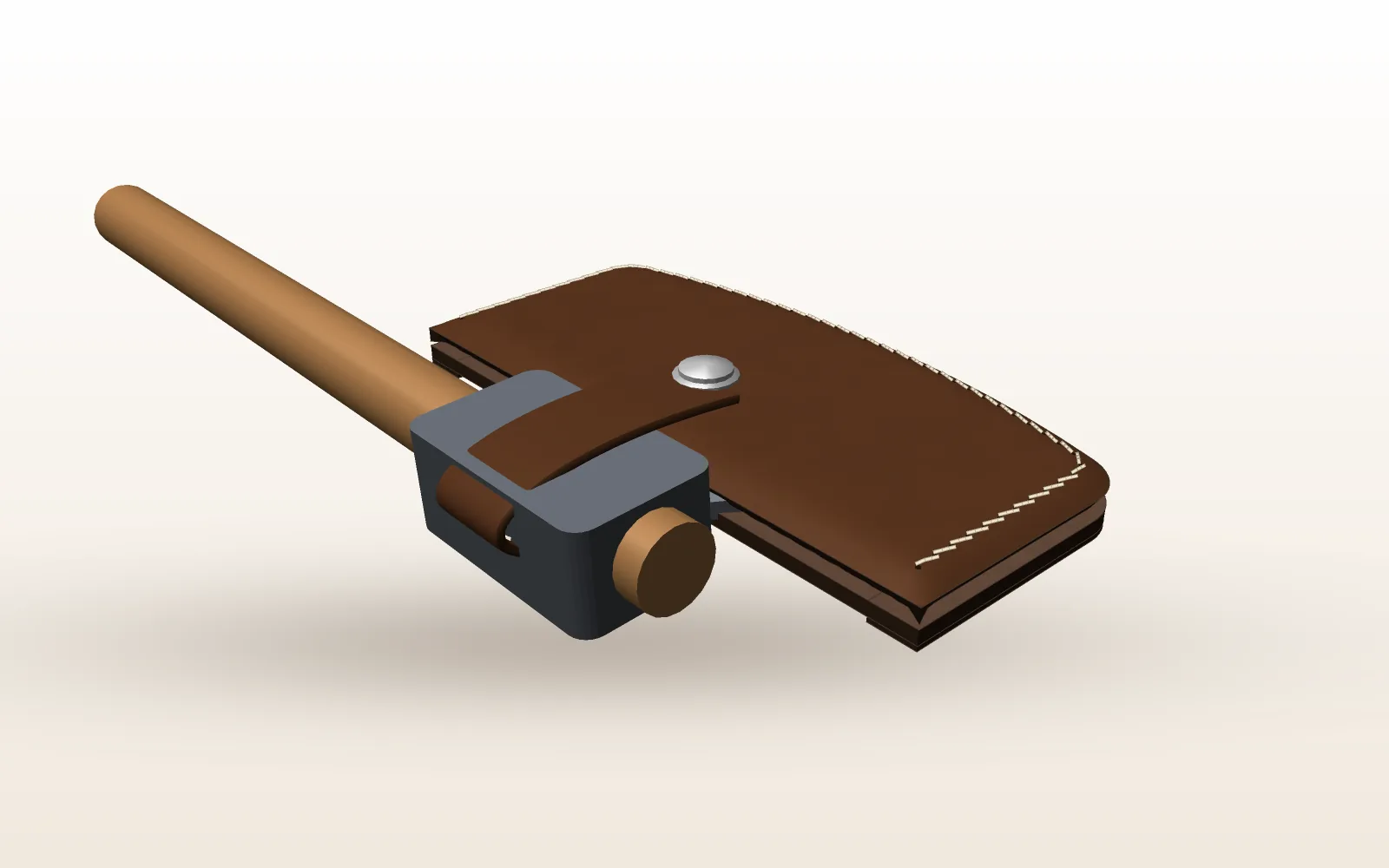
Hardware
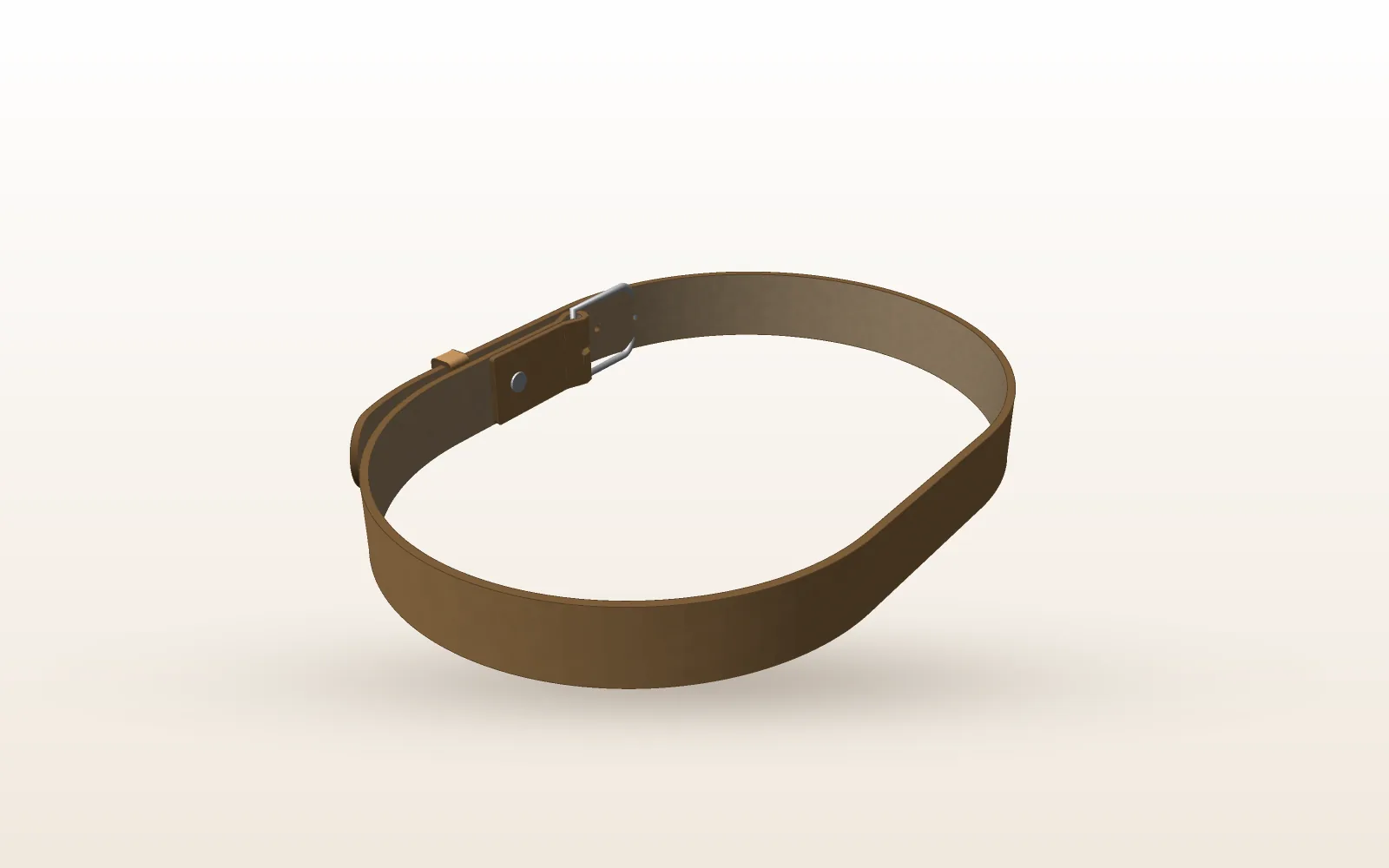
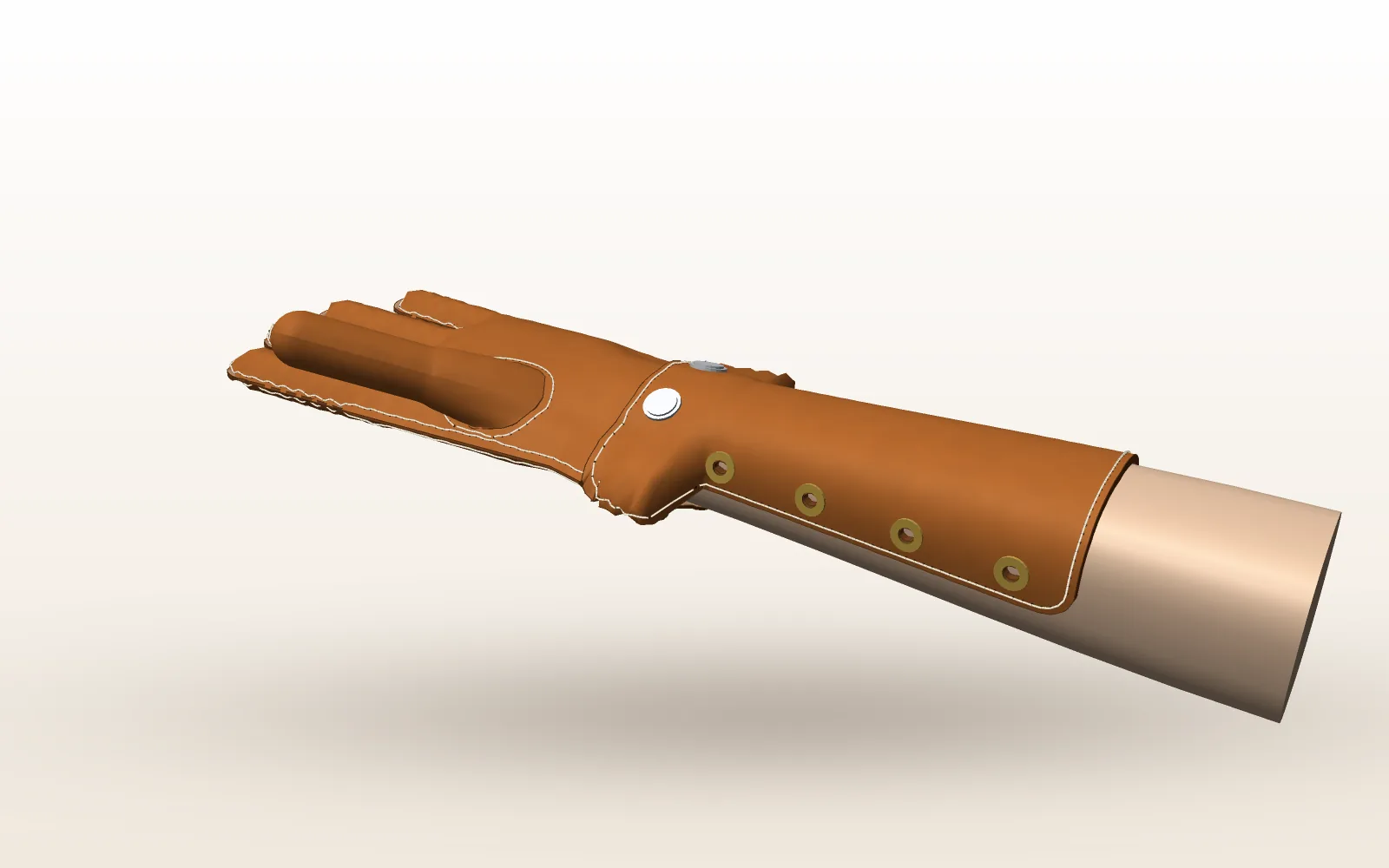
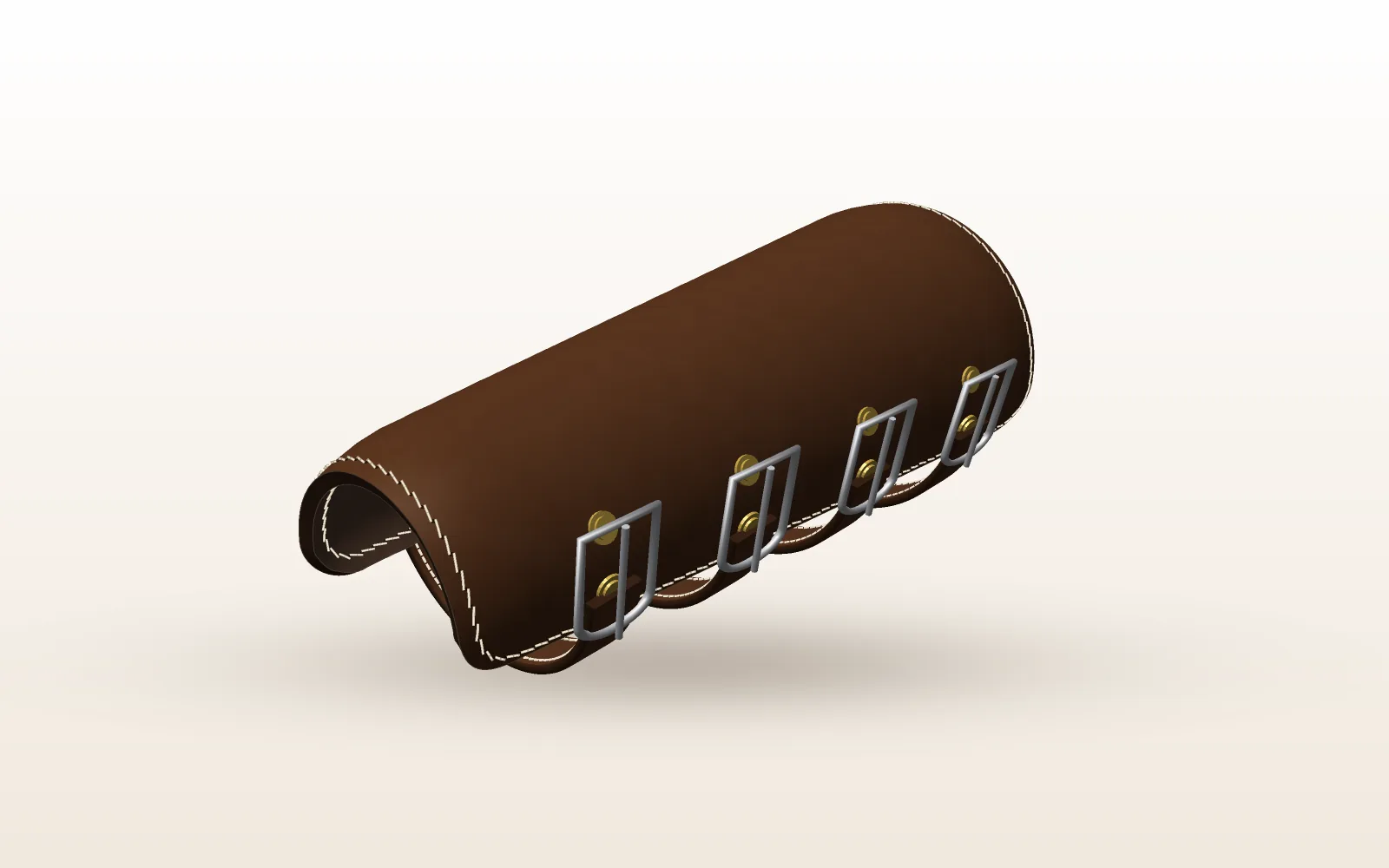
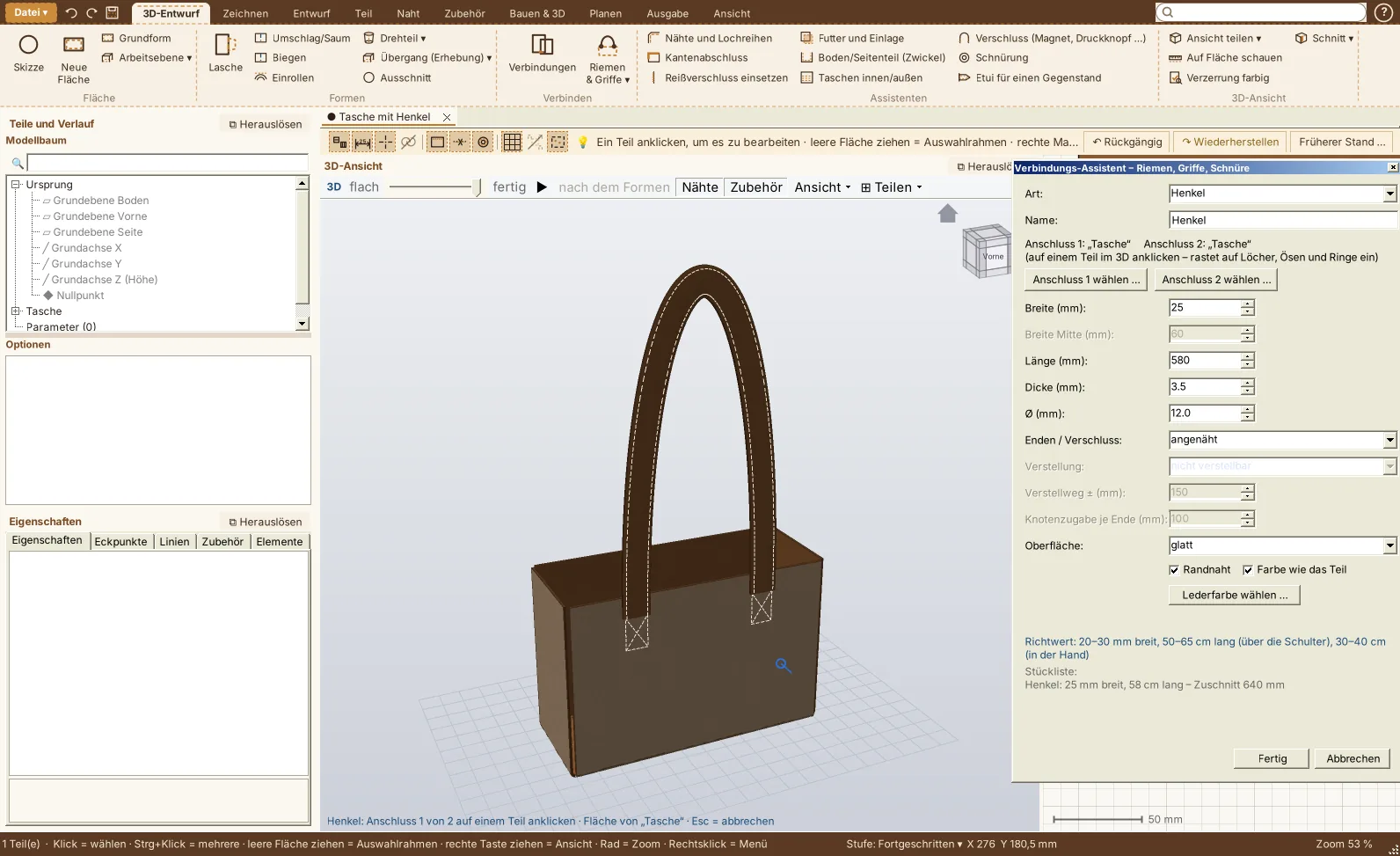
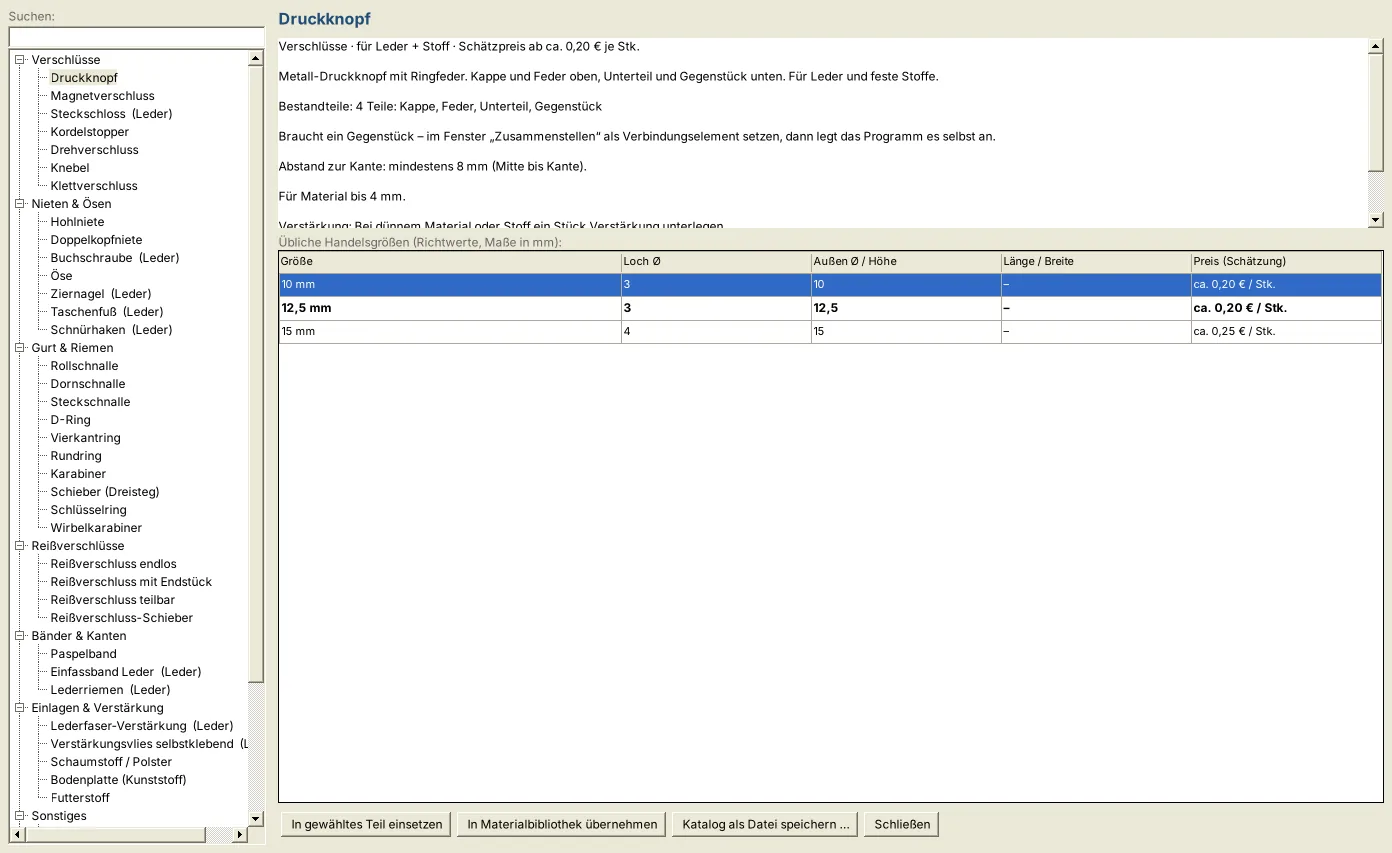
Buckles, rings, snaps, rivets and much more: pick hardware from the catalogue and see it on the 3D model.
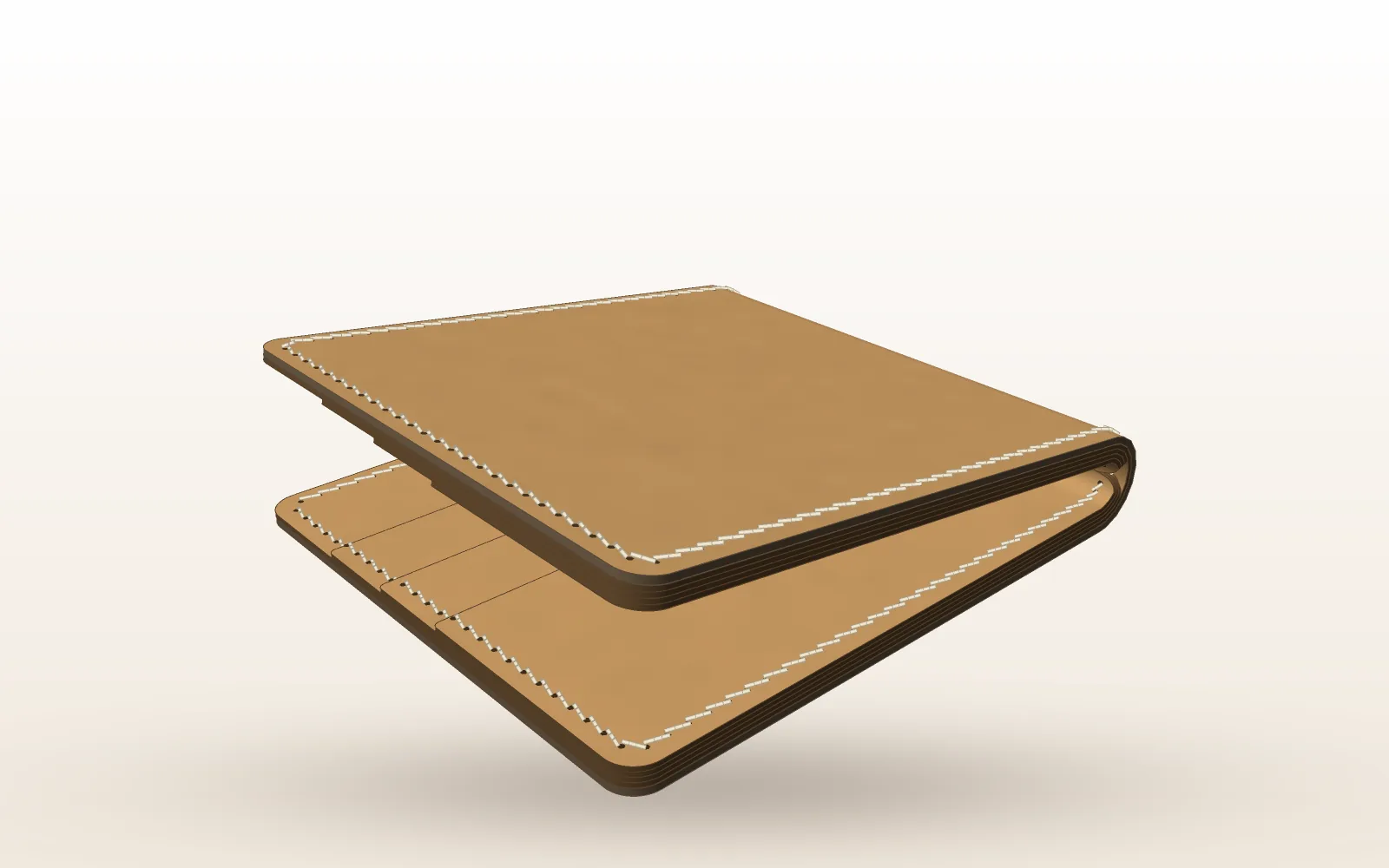
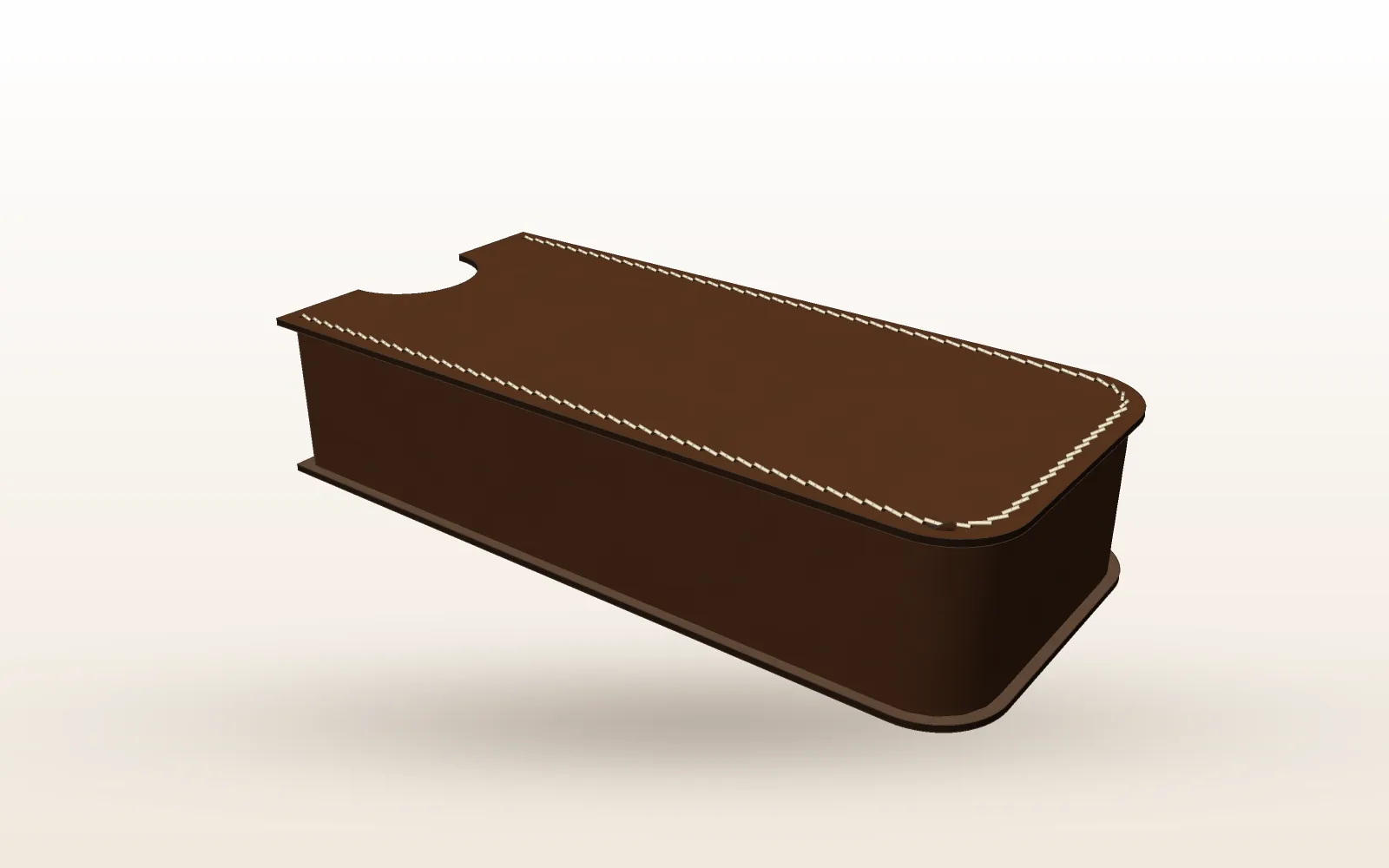
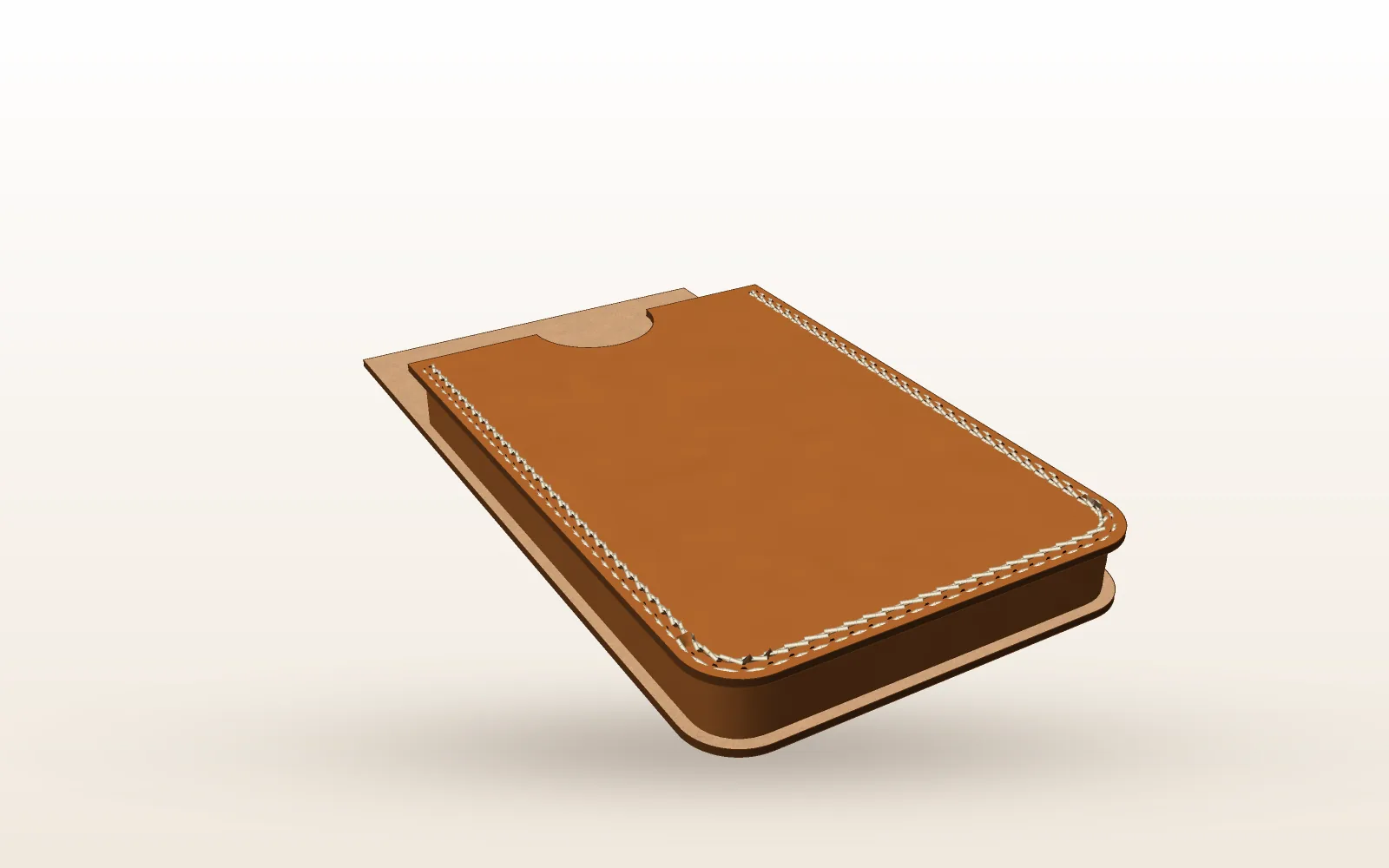
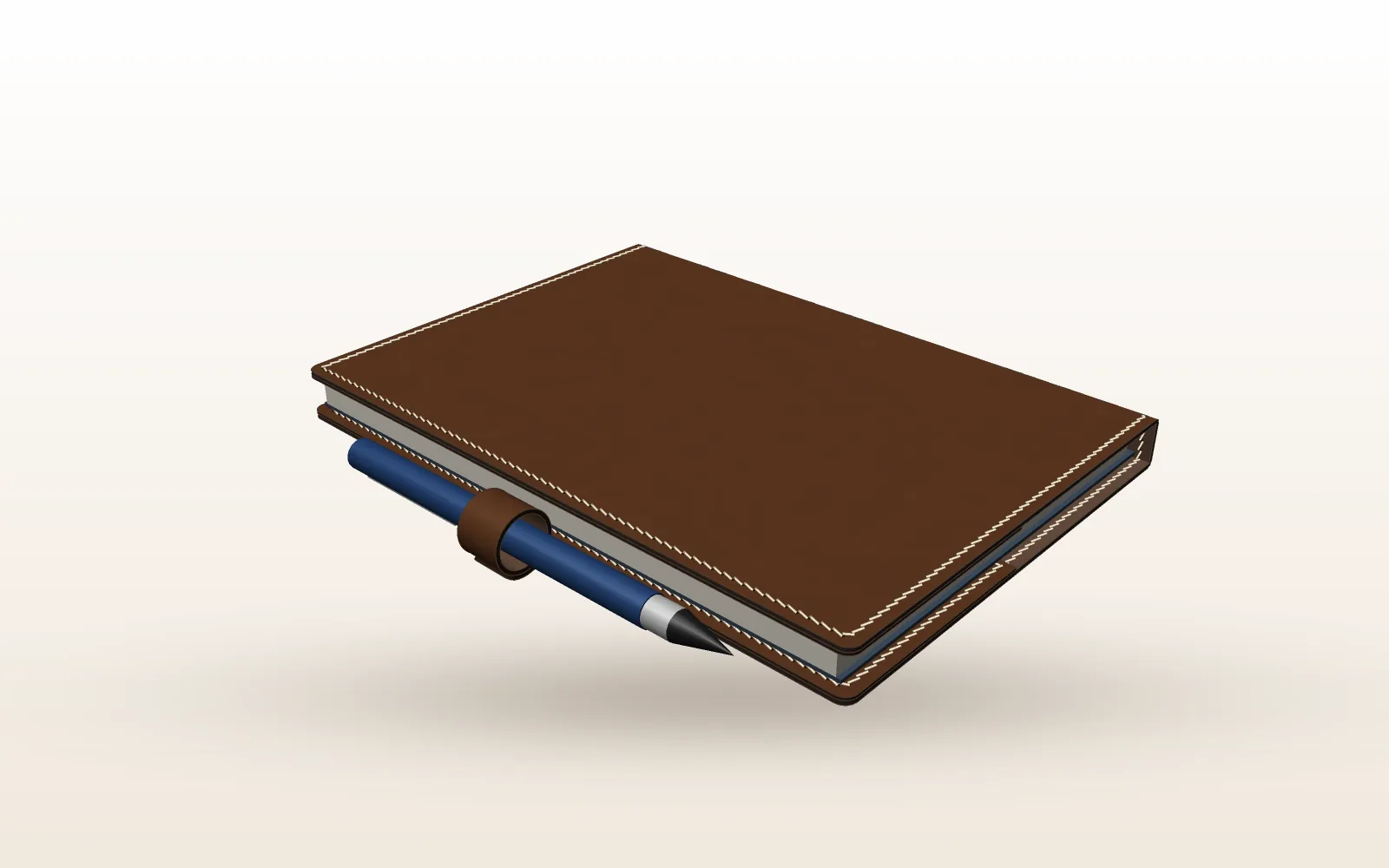
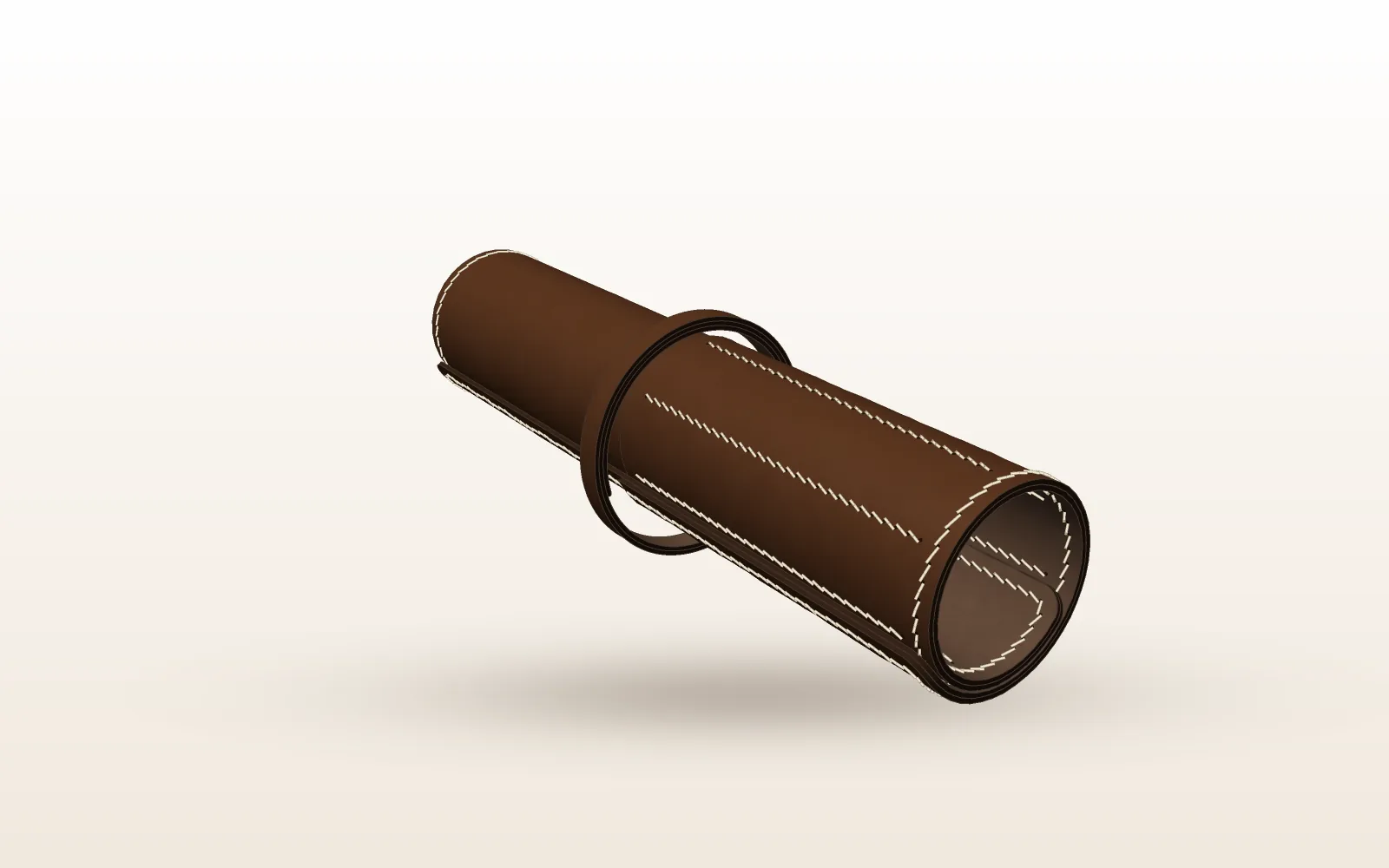
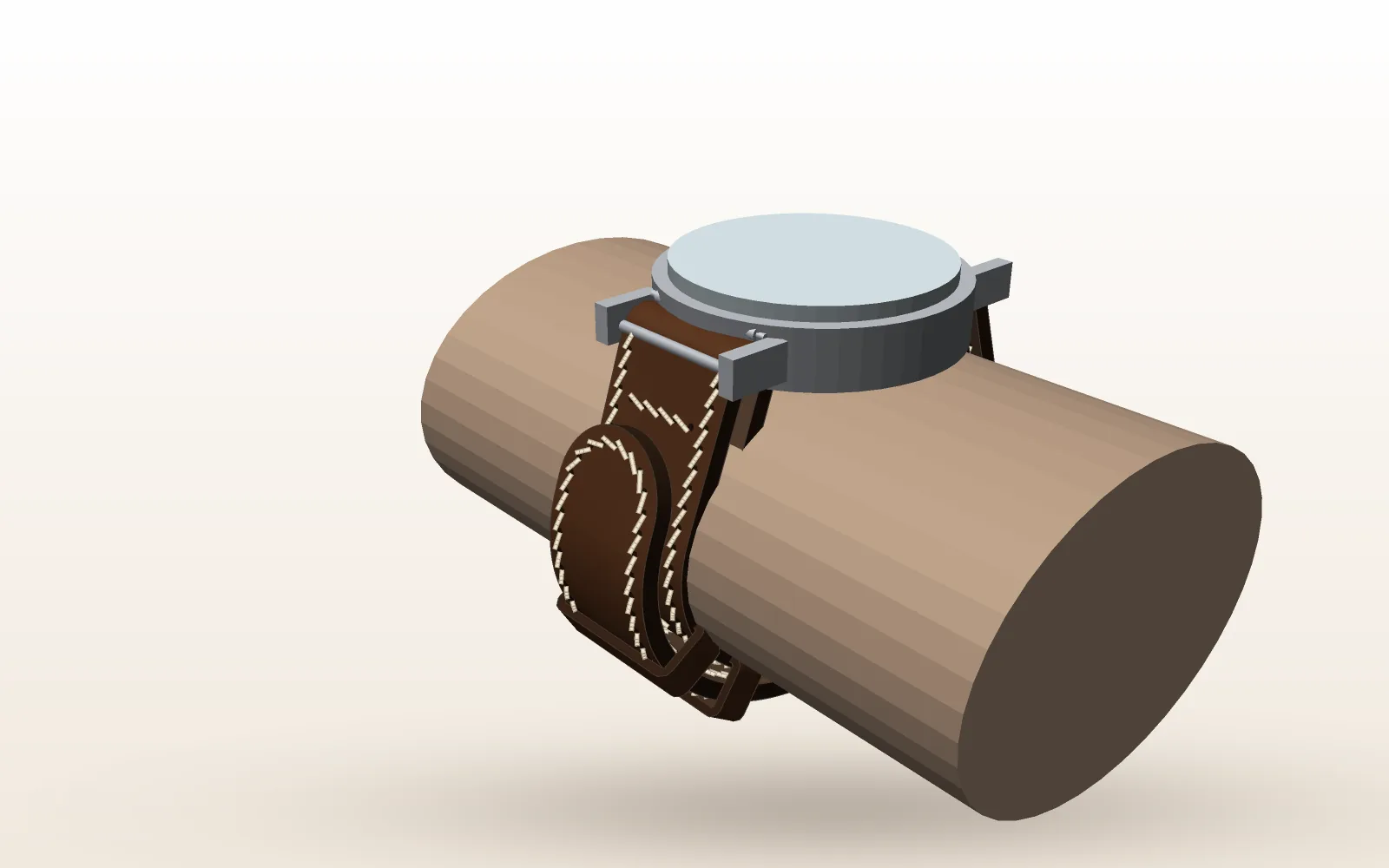
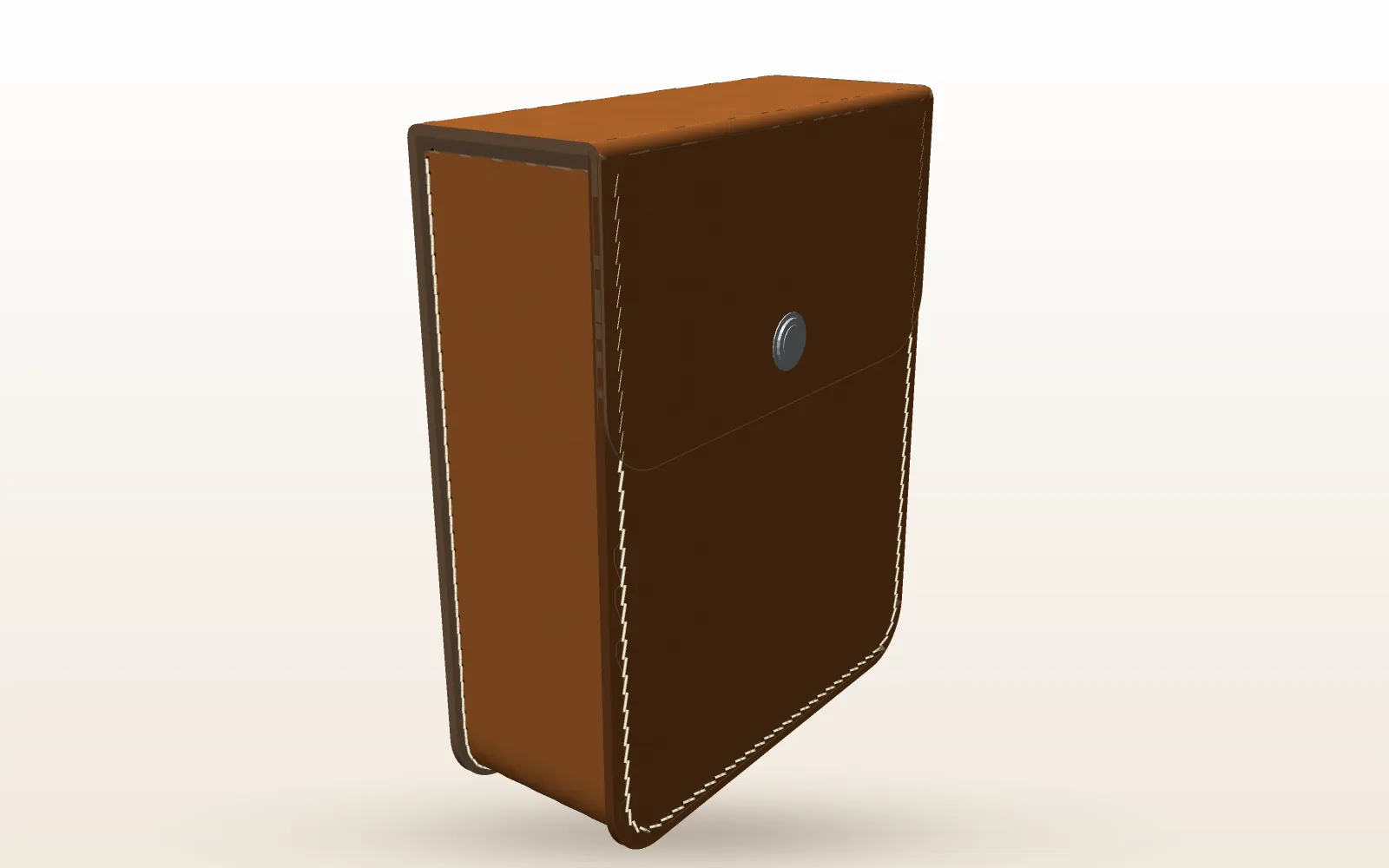
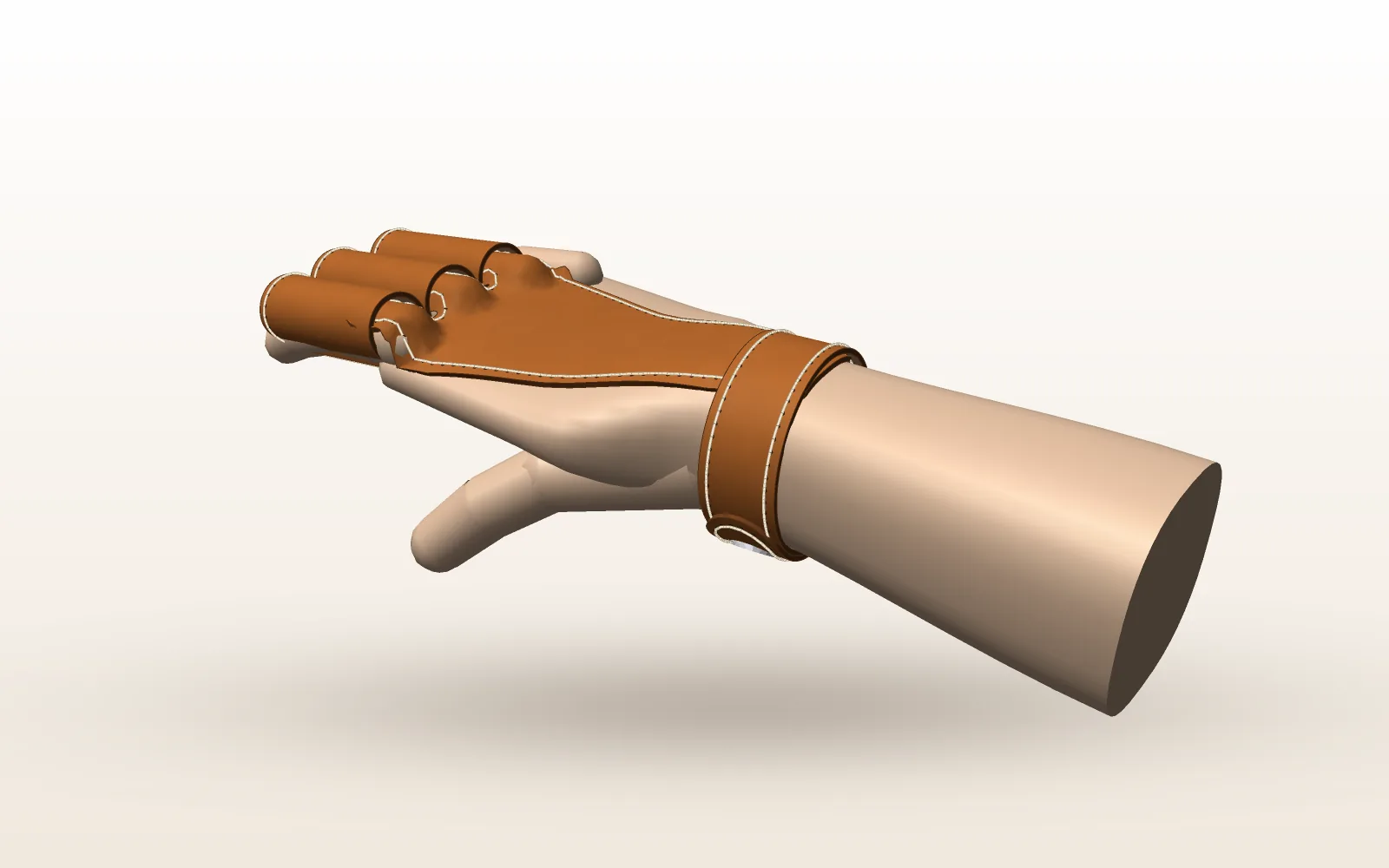
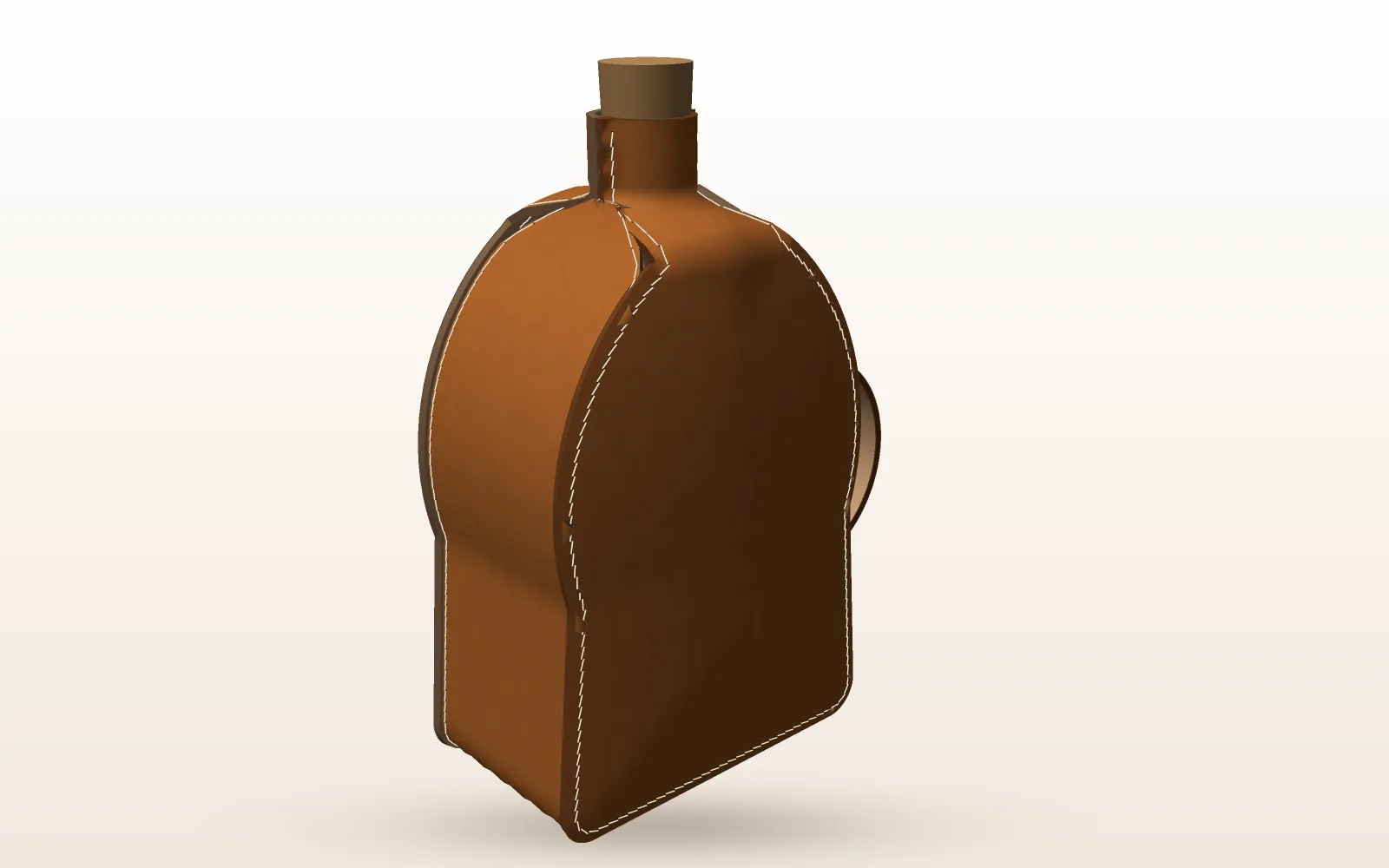
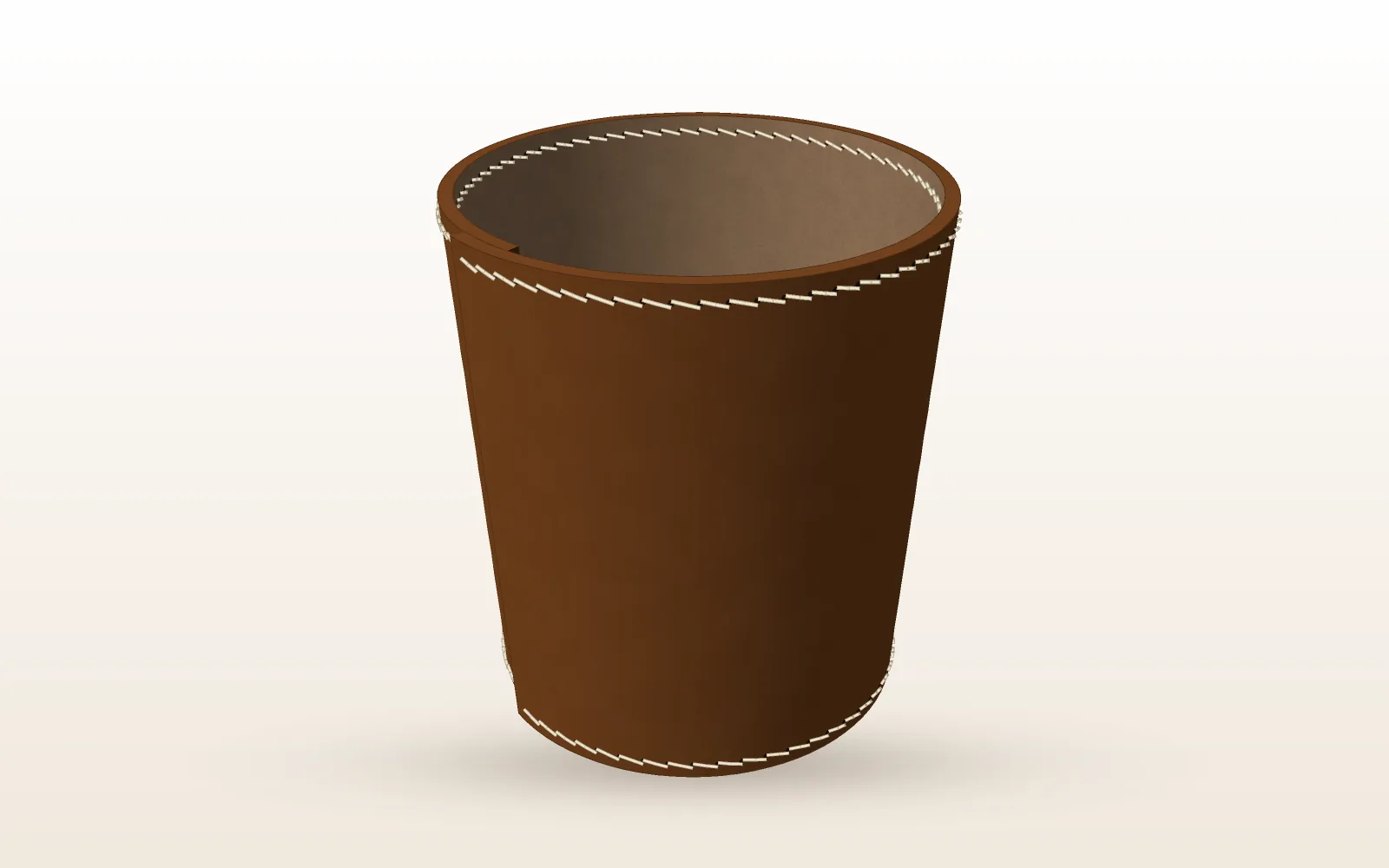
Finished in 3D
This is how your projects look before you cut the first piece.